
It wouold be great if 800 by 600 was the defualt choice or if you choose it at startup.
like press 1 for 640x480, 2 for 800x600 etc.
please please consider this


It wouold be great if 800 by 600 was the defualt choice or if you choose it at startup.
like press 1 for 640x480, 2 for 800x600 etc.
please please consider this
Press CTRL + ALT + +/- (plus or minus on the numpad) to toggle resolutions.
You can also define even higher resolutions when booting by using the screen= cheatcode.
The reason it defaults so low is for maximum compatiblity with old monitors and video cards.
Knoppix screen=800x600
1 - ctrl+alt+ + show an empty page (KDE is loading at startx)
2 - I boot from HD cannot wright screencode
carlos: why? no bootloader?
You might set up lilo for one system too, with different settings.
Choosing one entry from the bootmenu, you may add ' screen=...' to the choosen entry, and then hit enter, or type the whole line.
 Posting Permissions


USB 3.0 Flash Drive 32GB 64GB 128GB Memory Stick Thumb Stick Lot Pack
$826.09

Microsoft Office 2021 Pro Plus USB for 1PC Windows 10 & 11
$62.50

TF/SD Card Adapter Camera Reader Android Type-c For iPhone17 Pro Max Plusm lot
$573.98

Wholesale 5/10/100PCS 1GB 2GB 4GB 8GB 16GB 32GB USB 2.0 Flash Drive Memory Stick
$378.00

128GB (4x32GB) SK hynix DDR4 PC4-2666V RDIMM ECC Server Ram HMA84GR7CJR4N-VK
$799.00

USB 3.0 Micro SD SDHC TF Card Reader Memory Adapter for PC Laptop Camera lot
$3.75
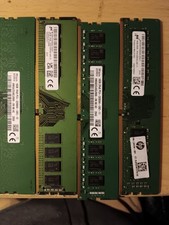
$300.00
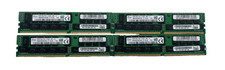
*LOT OF 4* 32GB SK Hynix HMA84GR7MFR4N-TF DDR4-2133 ECC RDIMM PC4-17000 2Rx4
$674.99

Windows 11 Pro Install/Recovery/Repair USB Flash Drive
$35.00
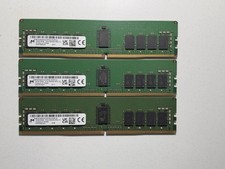
LOT OF 3 Micron 16GB 2Rx8 PC4-3200AA DDR4 ECC Server Memory
$255.00

 Reply With Quote