

 Reply With Quote
lang=us at the boot prompt


Knoppix 3.4 / Open Office 1.1.1
I have just gotten it to run by trial and error.
I don't speak or read German and it took four times
setting it up to get all the information right.
Now it runs but everything is in German.
Is there a command to change the default language?
Thx
lang=us at the boot prompt
That doesn't work. I already set that at boot.
I have tried several times with lang=us and lang=en
but nothing works. I am now ready to junk OO for koffice.
Now I just have to figure how to uninstall OO and get it
totally off of the CD and boot image to make space for
something better.
How do I uninstall OO so it doesn't come back.
 Posting Permissions


SK Hynix Server Memory 32GB (1x32GB) RAM DDR4 2400MHz HMA84GR7MFR4N Lot of 12
$1599.99

P43330-0A1 HPE 32GB 2RX8 PC5-4800B DDR5 SERVER RAM P43328-B21 / HMCG88MEBRA107N
$1100.00

2 in 1 USB 3.0 Card Reader Micro TF card Reader usb adapter High Speed Cardreder
$3.99
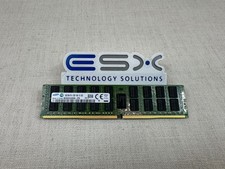
Samsung 16GB 2Rx4 PC4-2133P DDR4 ECC Server Memory RDIMM M393A2G40DB0-CPB
$104.95

SK Hynix 64B PC4-2933Y Server Memory DDR4 RAM HMAA8GR7MJR4N-WM
$499.99
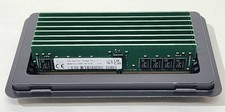
(8x 16GB) SK Hynix HMA82GR7DJR8N-XN PC4-3200AA DDR4-25600 ECC REG Server RDIMM
$800.00

USB 3.0 Flash Drive 32GB 64GB 128GB Memory Stick Thumb Stick Lot Pack
$826.09

Kingston 32GB 64GB 128GB 256GB USB 3.0 Flash Drive Thumb Memory Stick Pen lot
$285.90
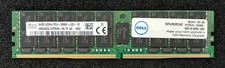
SK Hynix 64GB PC4-2666V RDIMM Server Memory RAM HMAA8GL7CPR4N-VK
$299.99
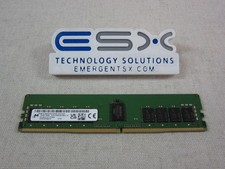
Micron MTA18ASF2G72PDZ-3G2J3 16GB 2Rx8 PC4-3200AA DDR4 ECC Server Memory RDIMM
$114.95