

 Reply With Quote
What are the hardware systemspecs of the pc. you tried to boot knoppix?


Have error code:
Can't find KOPPOX file system, sorry dropping you to a very limited shell. Press reset button to quit.
Commands at bottom that are available:
cat, mount, unmount, insmod, lsmod, rmmod.
Knoppix V.3.4
May 4, 2004 Release
400 mhz, celeron emachines
256 megabytes main memory
60 GB disk drive
SCSI card
The CD will boot from my Compaq Presario:
1200 mhz, celeron
512 megabytes main memory
60 GB disk drive
What are the hardware systemspecs of the pc. you tried to boot knoppix?
Not sure what your are talking about with the system specs, other that what I stated before:
400 mhz, celeron emachines
256 megabytes main memory
60 GB disk drive
SCSI card
I have the same problem. I use a pentium 3 with 128 Mb and Hd 20 gb.
This might be a brand issue, I found two machines that wouldn't boot Knoppix 3.3 due to being unable to read the disk. Probably the actual trouble is in the brand of CD drive, not the main machine spec.
Looks like you need a cheatcode.
Try booting with knoppix nodma
at the boot: prompt
(just type in knoppix nodma)
and report back.
Hi, I try booting with knoppix nodma but nothing change. In this pc run win2000 srv (is a test pc) it's a problem? (I don't know nothing about linux)
nodma got a load. Thanks.
My CD reader seems to be having a great deal of trouble reading the CD. It is making some real loud slamming noises. Possibly this is part of the problem.
what does nodma do?
Sklynn,
Even though this is from a Windows support site, the hardware concepts are still valid for Linux. My guess would be, that, nodma cheatcode, does not allow this to be used... For some devices, like hard drives, the DMA is usually used, in the case of CDROM, CD-RW, and DVD drives, the DMA is "assumed" to be used. All my hard drives, and CD devices have DMA active, all but one "finiky" hard drive, which has it disabled, it causes read errors.Originally Posted by http://msdn.microsoft.com/library/default.asp?url=/library/en-us/wmisdk/wmi/win32_dmachannel.asp
If nodma works for you, then use it, from the quote above, having DMA active only assists the processor, and assuming, helps it run faster...
Hope this helps,
Ms. Cuddles
 Posting Permissions


Intel SRG17 Core i7-9700T Desktop Processor CPU
$74.99

HP ProDesk 405 G8 Desktop AMD Ryzen 5 PRO 5650GE 16GB RAM 512GB SSD W11P
$319.99
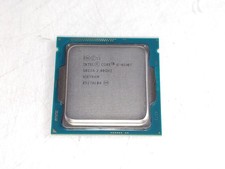
Intel Core i5-4590T 2 GHz 5 GT/s LGA 1150 Desktop CPU Processor SR1S6
$14.99
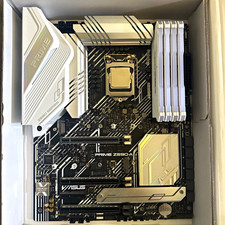
CPU-RAM-MOBO COMBO- 32gb DDR4 3600MHz, i5 CPU, Asus Prime Motherboard
$370.00

Intel Core i7-3770K 3.5 GHz Processor
$39.00

Intel Core i7-9700 Octa-Core 3 GHz Desktop Processor LGA 1151
$79.99
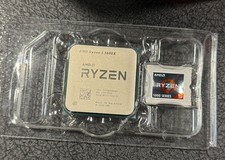
AMD Ryzen 5 5600X Desktop Processor (3.7GHz, 6 Cores, AM4 CPU) 100-100000065
$125.00

Intel Core i5-14600KF Unlocked Desktop Processor
$259.99
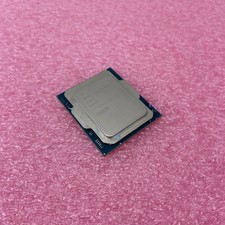
Intel Core Ultra 5 235T SRQES Desktop CPU
$109.99

GAMING COMBO: ASUS Prime H470M-PLUS MOTHERBOARD + i5-10600KF CPU + 16GB DDR4
$229.95