

 Reply With Quote
On the "front screen" right click the partition and go to properties and selecete to read and right or whatever(im not on Knoppix right now)


i tried instal ing knoppix with the knx2hd thing, it loaded, but when i selected my HD, it said "read only, knoppix cannot continue"
On the "front screen" right click the partition and go to properties and selecete to read and right or whatever(im not on Knoppix right now)
front screen?
o yeah, its a brand new HD, and theres no partition on it
Then you first need to partition with for example QTParted... Or as from i heard, also the partition option in the knx2hd menu...
 Posting Permissions


Kingston 32GB 64GB 128GB 256GB USB 3.0 Flash Drive Thumb Memory Stick Pen lot
$285.90
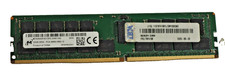
Micron 32GB 2Rx4 PC4-2666V MTA36ASF4G72PZ-2G6E1QG ECC REG Server Memory RAM
$240.00

2 in 1 USB 3.0 Card Reader Micro TF card Reader usb adapter High Speed Cardreder
$3.99
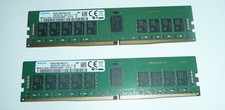
Samsung 32GB (2 x 16GB) PC4-2666V DDR4 ECC Server Memory M393A2K43BB1-CTD7Q
$169.95
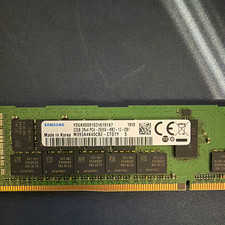
Samsung 32GB DDR4 RDIMM ECC Registered PC4-2666V M393A4K40CB2-CTD7Y
$175.00
Major Brand 8 GB PC3L-12800 (DDR3-1600) 2Rx8 DDR3L Laptop Memory RAM
$10.99

SK Hynix 64B PC4-2933Y Server Memory DDR4 RAM HMAA8GR7MJR4N-WM
$499.99
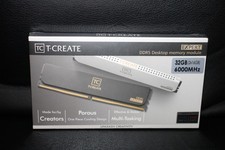
Team Group T-Create Expert RAM 32gb (2 x 16gb) 6000 Mhz DDR5 Desktop Memory Modu
$399.95

x4 Intel 128GB NMB1XXD128GPS Optane Memory 200 Series PMEM Module 3200 DDR4 RAM
$329.99
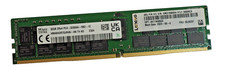
SK Hynix 32GB 2Rx4 PC4-3200AA HMA84GR7DJR4N–XN ECC REG Server Memory RAM
$460.00