

 Reply With Quote
On the "front screen" right click the partition and go to properties and selecete to read and right or whatever(im not on Knoppix right now)


i tried instal ing knoppix with the knx2hd thing, it loaded, but when i selected my HD, it said "read only, knoppix cannot continue"
On the "front screen" right click the partition and go to properties and selecete to read and right or whatever(im not on Knoppix right now)
front screen?
o yeah, its a brand new HD, and theres no partition on it
Then you first need to partition with for example QTParted... Or as from i heard, also the partition option in the knx2hd menu...
 Posting Permissions


Mini Computer Vacuum USB Keyboard Cleaner PC Laptop Brush Dust Cleaning Kit NEW
$13.89

V3 Robot Vacuum and Mop Combo,Self-Charging,5000pa Strong Suction,WiFi/Alexa NIB
$82.00

LEVOIT Cordless Vacuum Cleaner, Stick Vac with Tangle-Resistant Design, Up to...
$167.63
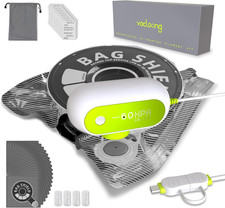
Vacuum-Sealed 3D Printing Filament Kit, 20 Packs Lightproof Storage Bags with
$38.98

Compressed Air Duster Rechargeable Computer Vacuum Cleaner for PC Keyboard Toys
$16.99

2-in-1 Compressed Air Duster & Vacuum, Brushless Motor, 320000RPM
$37.99

Octa Vacuum Vacuum Dock Whale Tail-Tablet Mount for iPad, Galaxy, Surface More
$36.00
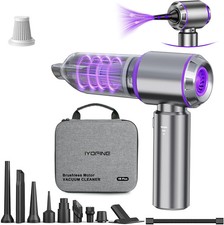
Vacuum/Air Duster Super Power Mini Car Vacuum Cleaner 4-in-1 air Blower Gun
$64.35
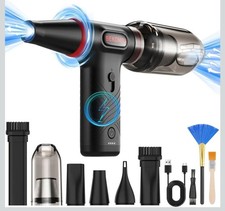
Compressed Air Duster 1 Button Adjustment 12000 RPM Air Blower Car Home Keyboard
$38.99

Cordless Handheld Vacuum Cleaner Compatible with DeWalt 20V Battery
$106.14