

 Reply With Quote
Hi;
Turn off ddc;
Rem all ModeLine lines under section monitor;


I have installed Knoppix 3.4 using "Beginner style with hardware autodetection".
How can I make screen sizes higher than 1024x768 available for me when using X environment?
The problem is not as simple as it may seem
I manually edited XF86Config-4 (by adding for example 1280x1024 mode) but now I cannot start X at all. It MAY conflict with the built-in autodetection and the later detects 1024x768 as a maximum (at the boot it says: "using modes 1024x768 800x600 640x480").
I have Philips Brillance monitor (1600x1200 @75Hz) and Matrox G400 MAX video card.
Hi;
Turn off ddc;
Rem all ModeLine lines under section monitor;
 Posting Permissions


Seagate Exos 7E8 4TB 3.5" SAS ST4000NM0025
$22.00

Hitachi / HGST Travelstar HTS541010B7E610 1TB 2.5" SATA III HDD
$29.99

HUS726060ALA640 HGST Ultrastar 6TB SATA 6Gbps 7.2K 3.5" Hard Drive OF21860
$129.99

New Western Digital WD40EFPX 68C6CN0 4TB 3.5" SATA III Internal NAS Red Plus HDD
$137.59
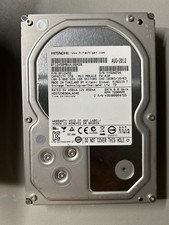
Hitachi HDS723030ALA640 3TB 7200RPM SATA III 3.5in HDD, Low Power-On Hours
$49.00

Seagate ST6000NM0115 6TB 256MB 7200RPM 3.5" SATA 6.0Gb/s Enterprise Hard Drive
$159.99

HGST HUS724040ALA640 4TB 7200 RPM SATA 3.5" Internal Desktop Drive 100% Health
$78.00
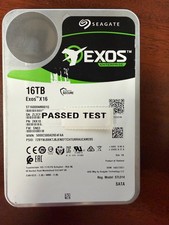
Seagate Exos X16 16TB ST16000NM001G 7200RPM Enterprise HDD*USED GREAT CONDITION*
$319.79
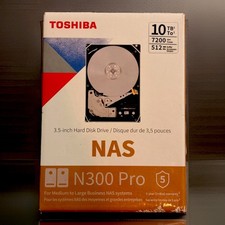
NEW Sealed Toshiba N300 Pro 10TB NAS HDD 7200RPM
$299.99

Seagate 14TB Exos X14 7200RPM SATA 6Gb/s 256MB 3.5" Enterprise HDD ST14000NM0408
$354.99