

 Reply With Quote
Right click the German flag icon, select Configure...Select US English from the Primary Layout. Click OK. At least that is how I did it.


Hi;
I installed Knoppix 3.1 to my new computer this weekend.
I followed the advice in the FAQ for changing the language and keyboard settings to English.
However, for some reason, under the user "knoppix" the English keyboard settings are not being saved in between sessions.
Everytime I log in the German flag is in the taskbar.
How can I change this setting permanently?
Thanks in advance
Steve
Right click the German flag icon, select Configure...Select US English from the Primary Layout. Click OK. At least that is how I did it.
And after you, see that is working correctly for a couple days, click that up arrow thingy, just to the left of it, and remove the flag from the desktop. Even though it nice to see th U.S. flag.
Bill
Originally Posted by mmaki
It worked!
Now I know how frustrated non - Americans must have felt all of these years using software made in the US
Thanks for the help
Steve
 Posting Permissions

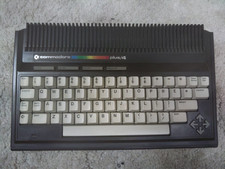
Commodore Plus/4 computer for parts or restore
$50.00
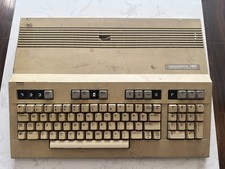
Commodore 128 Vintage Computer Not Working No Power Damage READ
$129.00
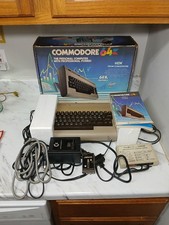
Vintage 1983 Commodore 64 Home Computer Model w/ Original Box, Cords, & Manual
$149.99

Commodore OS USB | Bootable LIVE + Install | The Ultimate Gaming Linux OS | NEW
$11.99
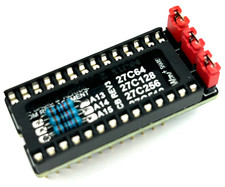
Commodore 64 & VIC-20 BASIC & Kernel ROM Replacement Adapter - USA seller
$17.99
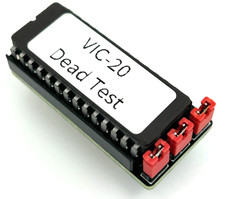
Commodore VIC-20 Dead Test Rom - USA seller
$19.99
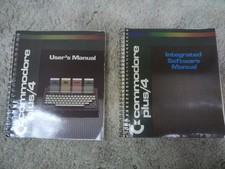
Commodore Plus/4 owner's manuals
$20.00
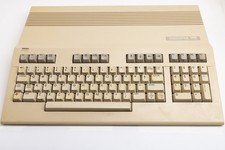
Vintage Commodore 128 Computer Powers On Not Tested with Power Supply
$169.99
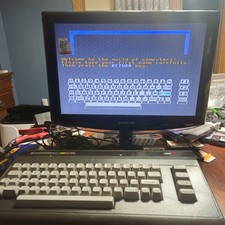
Commodore 16 C16 Computer Matching Serial Box Tutor Cartridge Tested Workong
$174.99
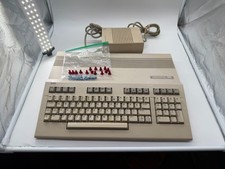
Commodore C128 Comp w/ Original Box TESTED & WORKING + Original & PETG Key Plung
$297.98
