

 Reply With Quote
First remove the link you made, then do: update-rc.d ssh defaults
If you want to remove it or something else starting: update-rc.d -f ssh remove


I've been trying to get sshd to start automatically on system boot. I've read all the FAQs but it doesn't seem to work on my knoppix 3.4 (2.6 kernel) system. Here's what I've done:
went to /etc/rc3.d and created a symlink called S70ssh to ../init.d/ssh:
in rc3.d:
lrwxrwxrwx 1 root root 13 Jun 16 10:28 S70ssh -> ../init.d/ssh
../init.d/ssh is the typical shell script to start the sshd.
If I go to /etc/rc3.d and type "./S70ssh" the sshd starts fine, but it won't come up automatically on boot.
Any ideas? thanks..
First remove the link you made, then do: update-rc.d ssh defaults
If you want to remove it or something else starting: update-rc.d -f ssh remove
ah, that worked. thanks!
 Posting Permissions

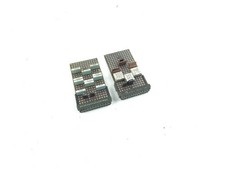
2 x Vintage IBM Mainframe Computer Card - Circuit Board
$49.99

HP 5060-8359 8K Semiconductor Memory Module 5080-9747 Vintage HP Computer
$157.30

Vintage Intel Mainframe Server MCM CPU Substrate Lot Prototyping PGA Validation
$500.00

Vintage Telex 952003-112 Mechanical Terminal Keyboard IBM 3270 Mainframe DB25
$799.00
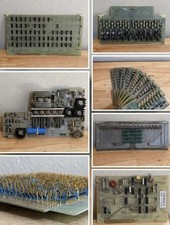
LOT of 14 DATA 100 Corporation Mainframe Terminal Boards Memory Backplane Gold
$749.99

Vintage Mainframe Computer Disk Drive Pack Dyson SMD 5 Level Disks
$79.00
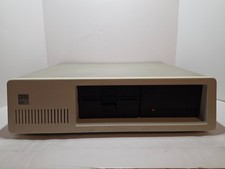
Vintage IBM XT 5160 PC Computer 640KB RAM with Expansions (Powers On As Is)
$350.00

Rare Vintage Mainframe Burroughs Discrete-Transistor Cordwood Module B2500/B5000
$97.95

HP 13210-60001 Disc Drive Interface PCB HP 7900A 7901A Vintage
$157.93

IBM 3274-51C Controller 3270 mainframe 8" floppy tested to power on
$500.00