

 Reply With Quote
At the bash prompt, type: XFree86 -version.


Hello reader!
I'm a hard-core Window$ user that just turned to the "good side" of the force.
I have one simple question that I believe you hard-core Linux users should be able to help me out with:
How do I determine what version of XFree86 I run?
I've looked at the manuals, FAQs etc at XFree86's homepage but I can't find it.
Any ideas?
Appreciate you taking the time to read my post.
Thanx!
/Freddy
At the bash prompt, type: XFree86 -version.
Thank you very much!Originally Posted by eco2geek
Works like a charm!
 Posting Permissions


RAM-HOL-SAM60CPU RAM USB-C Powered Dock for Samsung Tab Active5 - 3 - 2
$81.99

Samsung 2.5" 870 EVO SSD SATA III 250GB 500GB 1TB Internet Solid State Drive Lot
$60.00
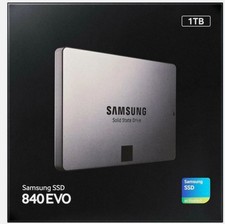
Samsung 840 EVO 1 TB Internal 2.5 SSD Solid State Drive S/N S1D9NSAFB08570
$389.00
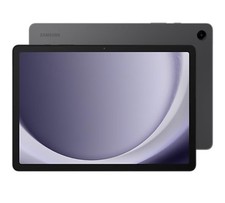
Samsung Galaxy Tab A9+ Plus 5G 11" (Unlocked T-Mobile) Excellent Condition 
$99.00

RAM-GDS-SKIN-SAM54-NG-1 RAM Mounts IntelliSkin® Next Gen for Samsung Tab Active4
$93.99

RAM-HOL-SAM52CPU RAM USB-C Powered Dock Samsung Tab Active4 Pro & Tab Active Pro
$81.99

Cell Phone Smartphone Computer repair banner poster sign iphone Samsung
$89.99

Samsung Galaxy Tab SCH-1800 7" 4GB Wi-Fi + Verizon Tablet Working
$30.00

New Samsung 512GB FIT Plus USB 3.2 Gen 1 Type-A Flash Drive MUF-512AB/AM NEW
$120.00
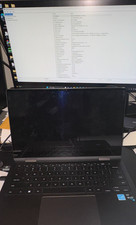
Samsung Galaxy Book2 360 (NP730QED-KA1US) **Broken Screen**
$225.00