
Does anyone know how to change a Debian style hd install to boot icewm instead of KDE?


Does anyone know how to change a Debian style hd install to boot icewm instead of KDE?
I possibly misunderstood the question. A debian style hdinstall will by default boot into your graphical login manager where you can choose the window manager under menu->session or some such. It should also remember the previous one. Or isn't icewm in Knoppix 3.4?
Thank you once again Markus!
I never really looked around in that menu before. I have all kind of options. Exactly what I was looking for.
 Posting Permissions


NETGEAR GS308EP Essential Series 8-Port Gigabit PoE+ Unmanaged Switch
$39.99

D-Link DGS-1210-28P 28-Port PoE Gigabit Web Smart Switch With Cord
$49.99
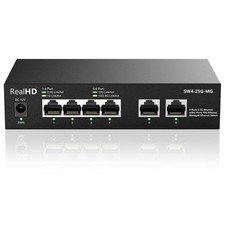
10Gb RJ45 Ethernet Network Switch Web Managed, 2 x 10Gb RJ45 Ports, 4 x 2.5Gb...
$113.99

~NIB~ Netgear GS728TPP-300NAS V3 24 PORT GIGABIT POE MNGD W. 4 SFP PORTS
$349.95

TP-Link TL-SG105 5-Port Gigabit Ethernet Unmanaged Metal Desktop Network Switch
$19.99

10-Port Gigabit PoE Network Switch with 8 PoE+ Ports with 2 Combo SFP Slots 125W
$39.99

TP-Link TL-SG2210P 10-Port Gigabit Smart Switch w/ 8-Port PoE+ NO AC SKU 25597
$36.98

TP-Link TL-SG105, 5 Port Gigabit Unmanaged Ethernet Switch, Network Hub, Ethern
$15.25

NETGEAR 5-Port Gigabit Ethernet Unmanaged Switch (Gs305) - Desktop Quiet Fanless
$22.00

TP-Link TL-SG1048 48-Port Gigabit Rackmount Switch New Factory Sealed
$199.99

 Reply With Quote