

 Reply With Quote
Open a root shell and:Code:apt-get --purge nis


It is taking forever to boot my computer because ypbind................
comes up. How do I shut this off?
Open a root shell and:Code:apt-get --purge nis
$ /etc/init.d/nis stop
$ update-rc.d -f nis remove
As root ...
Thnaks guys. I used Kelmo's method sucessfully.
Excellent advice from kelmo. I just noticed an error in my previous post, and after I edited it, don't know what I was thinking.
Should be:I think renaming nis as root, to something like off-nis, in init.d would have also done the trick. Easy to turn back on, simply rename back to nis. I believe I read this tip, or something like it, on the Debian website.Code:apt-get remove --purge nis
I'm new and wanted to remove nis too, but I used DuckDodgers method, I couldn't figure out Kelmo's method out.
 Posting Permissions


Crucial MX500 1TB 2.5" SATA III Internal SSD CT1000MX500SSD1
$99.99

Samsung 2.5" 870 EVO SSD SATA III 250GB 500GB 1TB Internet Solid State Drive Lot
$90.00
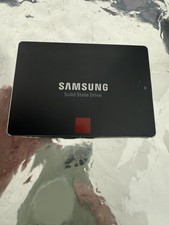
Samsung 850 PRO 512GB 2.5" SATA SSD MZ-7KE512 MZ7KE512
$65.00

Samsung 860 EVO 250GB SSD MZ-76E250 2.5" SATA III Solid State Drive -
$39.99

Netac 2TB 1TB 512GB 256GB Internal SSD 2.5inch SATAIII Solid State Drive lot
$549.00

Fanxiang 1/2/5/10Pcs 2.5'' SATA SSD Lot 1TB 2TB 4TB 512GB 256GB TLC Internal SSD
$129.99
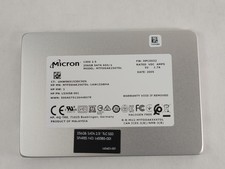
Micron 1300 MTFDDAK256TDL 256 GB SATA III 2.5 in Solid State Drive
$24.99

2 PACK 128 GB SSD M.2 2280 SATA Solid State Drive Major Brands, Samsung, LiteON
$28.00

Samsung New SSD 970 EVO Plus 2TB 1TB 500GB 250GB NVMe M2 Internal Hard Drive Lot
$79.99

SSD 2.5" SATA Hard Drive for Laptop Desktop Windows 10 pro 64 Pro Pre-installed
$42.00