

 Reply With Quote
Klik the penguin at the buttom of the screen. Open a root shell. Type KNX2HD, then ENTER!
Voila'!!!
Remember to do the partition first!!!
Let me know...


I want to move the KNOPPIX OS into my hard disk, but I don't how how to do.
Please teah me.Ok?
Thank you!
Klik the penguin at the buttom of the screen. Open a root shell. Type KNX2HD, then ENTER!
Voila'!!!
Remember to do the partition first!!!
Let me know...
Thank You!
 Posting Permissions


RAM-HOL-SAM60CPU RAM USB-C Powered Dock for Samsung Tab Active5 - 3 - 2
$81.99

Samsung 2.5" 870 EVO SSD SATA III 250GB 500GB 1TB Internet Solid State Drive Lot
$60.00
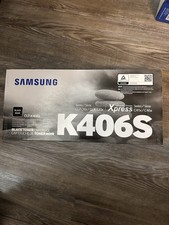
Genuine Samsung K406S Black Toner Cartridge - New and Sealed Box
$35.99
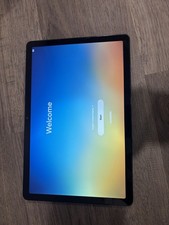
WiFi Only Samsung Galaxy Tab A9 Plus 11.0" 128GB Black SM-X210
$139.99

RAM-GDS-SKIN-SAM54-NG-1 RAM Mounts IntelliSkin® Next Gen for Samsung Tab Active4
$93.99

RAM-HOL-SAM52CPU RAM USB-C Powered Dock Samsung Tab Active4 Pro & Tab Active Pro
$81.99

Cell Phone Smartphone Computer repair banner poster sign iphone Samsung
$119.99

RAM-GDS-DOCK-SAM88CPU RAM GDS® Tough-Dock™ for Samsung Tab A9+
$174.99

NEW Samsung NoteBook NT930QCG touch LCD Full Screen Assembly Blue
$225.77

SAMSUNG FIT PLUS 128GB USB 3.1 Flash Drive - fully working & authentic
$24.95