-
Possible to Install using anything besides KDE?
I've tried installing Knoppix on the HD of my PII 266 (64 megs RAM, 500 Gigs HD) machine, and while it comes up, it runs slow as a dog. This is even with a 1 Gig swap setup.
My assumption from looking at distributions such as Damn Small Linux is that the problem has more to do with KDE than with Knoppix per se.
Is there a way to do an HD install so that Knoppix uses something like fluxbox? Or is that more of a customization issue?
Thanks,
Ewan
-
If you have a beginner of debian install you can select IceWM in the login manager as session type.
Then just start ripping out kde with apt. I can't recall now which window managers knoppix comes with but they should all be listed in the menu. You can also boot the cd with a cheatcode like desktop=icevm
-
Junior Member
registered user
Setting deafult desktop after HDD install
I too am in a bit of a bother on this. How do I set the default desktop in a beginner HDD install? I want icewm to run as trhe default desktop. But how do I do this? Must I remove KDM completely? If so how?
-
Senior Member
registered user
In the kdm login window there is an option for "session" or something of the sort (I'm not where I can look at the kdm login screen right now), you should see options such as KDE icewm failsafe etc.
Just select the "session" you want and you should be asked if you want that to be your default session.
HTH
~rock
BTW I have a P-II 266 w/ 64MB ram and it is fine using icewm (much better than KDE) although I primarily use it for a file server
 Posting Permissions
- You may not post new threads
- You may not post replies
- You may not post attachments
- You may not edit your posts
-
Forum Rules


Fujinet 1.7.1 Atari 400 800 800XL 130XE 65XE XEGS Assembled, Tested, Working
$99.99
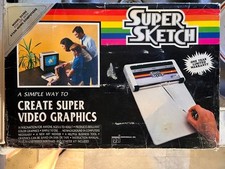
Vintage 1984: Super Sketch G2300 For Atari Home Computer
$72.00

GreaseWeazle v4 board USB floppy drive adapter Retro All Formats
$35.00

Atari 400 / 800 Computer Memory Module 16K RAM PCB CX853 - Works Perfectly
$18.95
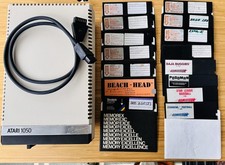
Vintage Atari 1050 Disk Drive w/ SIO Cable & 32 Games/Programs - UNTESTED
$67.76
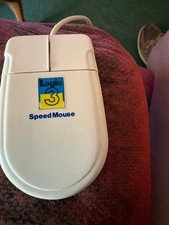
Amiga/Atari Mouse w/Selector switch for different modes
$51.99

Atari 1200 XL home computer with original owners guide and power supply power on
$255.00
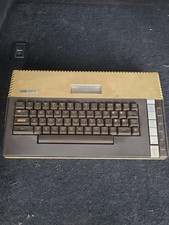
Atari 800XL 8-bit Home Computer Video Game System - **UNTESTED PARTS OR REPAIR**
$89.99
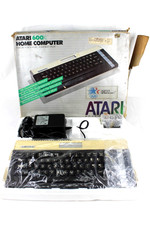
VTG Atari 600XL Home Computer System in Box ** Powers On ** Clean * Tested Works
$148.75

Atari 400 Home Computer System includes Power Cord G2U
$159.99



 Reply With Quote