-
From the command line: umount /mnt/sda1
From desktop: right click the icon and choose unmount
EDIT: btw, you don't have to call the mountpoint /mnt/sdax, you can name it anything you like as long as you use the same in fstab or mount it manually with say: mount /dev/sda1 /mnt/thumb.
Similar Threads
-
By mjman in forum Hardware & Booting
Replies: 9
Last Post: 10-25-2004, 09:46 PM
-
By Bothersome in forum MS Windows & New to Linux
Replies: 5
Last Post: 10-07-2004, 10:53 PM
-
By kidsatacrux in forum MS Windows & New to Linux
Replies: 19
Last Post: 08-03-2004, 07:41 AM
-
By ktheking in forum Customising & Remastering
Replies: 6
Last Post: 01-02-2004, 09:35 PM
 Posting Permissions
- You may not post new threads
- You may not post replies
- You may not post attachments
- You may not edit your posts
-
Forum Rules

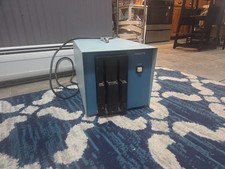
Vintage Industrial micro systems dual 8" Floppy disc drive for Altair system
$450.00
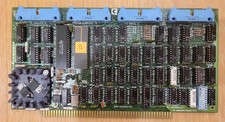
Cromemco TU-ART S-100 Serial and Parrallel Board - IMSAI Altair
$69.95

Cromemco PRI S-100 Printer Interface - Altair IMSAI
$45.00

S-100 backplane motherboard bare PCB 9 slot (for Altair/IMSAI)
$34.99
Altair Bread Board S-100
$79.99
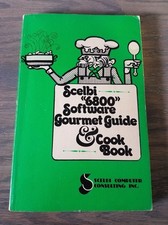
1976 Scelbi 6800 Software Cookbook Altair 680 SWTPC Assembly Language Motorola
$39.99

2x Intel C8080A White Ceramic Gold 76' Vintage 8-Bit CPU Microprocessor Altair
$449.99
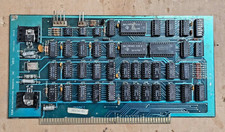
Solid State Music 1980 VB1C Video Interface Display Board S-100 altair Cromemco
$169.95

CP/M 86 1.1R 8086 Highmonitor 8 Inch Floppy Diskette 80s IMSAI Altair
$40.00
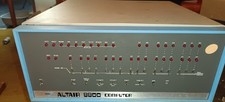
MITS Altair 8800 System Full Provenance and Documentation
$15000.00



 Reply With Quote