
The menus aren't just transparent, but transparent with wacky background color reversal. The menus become impossible to read. I'm not sure what I did differently, but now it is working for me.Originally Posted by CrashedAgain


The menus aren't just transparent, but transparent with wacky background color reversal. The menus become impossible to read. I'm not sure what I did differently, but now it is working for me.
 Posting Permissions


SFP TO RJ45 TRANSCEIVER SFP MODULE COPPER SFP OPTICAL PORT TO RJ45 ETHERNET PORT
$7.99

Dell Intel X710-DA2 5N7Y5 Dual-Port 10GbE SFP+ PCIe 3.0 x8 Network Adapter
$27.50

Cisco Meraki MA-SFP-1GB-SX Network Tranceiver Module
$89.00
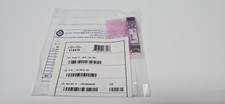
CISCO SFP-10G-SR V03 10-2415-03 NEW SEALED
$39.99

Genuine Cisco SFP-10G-SR 0-2415-03 10 Gigabit Transceiver
$5.40
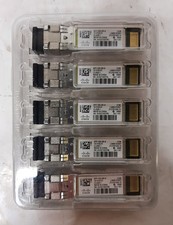
New Open Box Lot of (5) Genuine Cisco SFP-10G-SR-S 10Gig Transceivers 10-3105-01
$84.99
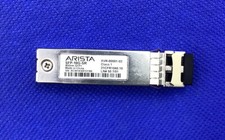
Arista SFP-10G-SR 10gbase-SR transceiver SFP+ (XVR-00001-02)
$9.00

HP 560SFP+ 10GB 2-port PCIe NIC Ethernet ADAPTER 669279-001 w/ (2) 10GB SFP+
$16.99

NEW Sealed Cisco SFP-10G-LR 10GBASE-LR SFP+ 1310nm 10km *US Shipping*
$24.00

HPE 560SFP 2x 10Gb SFP+ PCIe Both Profile Network Card 669279-001 665247-001
$14.90

 Reply With Quote