

 Reply With Quote
Thanks to everyone who didn't respond, but luckily for me I fixed the problem.


Last night I was making some last minute changes to debian and I inadvertently selected the wrong mouse settings and now my mouse doesn't work. Is there any way to bring back up the wizard, gui, or whatever that walks you through setting up your mouse? Thanks in advance.
Thanks to everyone who didn't respond, but luckily for me I fixed the problem.
Sorry, I don't know the keystrokes to replace the mouse. How did you fix it?
Thanx,
no problem. Basically I just used the keyboard to open a terminal and then I typed synaptic (the apt-get gui). Through synaptic, I used the keyboard to remove gpm and rebooted. When the system came up everything worked well.
I would just like to point out that 34 minutes is a bit brief to expect a response...
 Posting Permissions

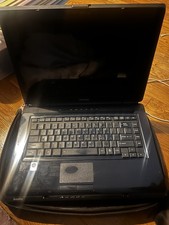
Vintage Toshiba Satellite A Series
$250.00

Vintage Computer Keyboard Northgate OMNIKEY Ultra
$120.00
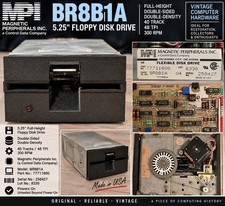
Vintage Magnetic Peripherals MPI BR8B1A 5.25" Floppy Disk Drive 77711800 CDC
$89.66

Lot of 2 Vintage Plextor PX-43CS SCSI CD-ROM Caddy Drives + 4 Caddies Used
$55.99
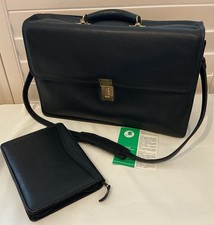
Vintage Jack Georges Leather Briefcase/Laptop Bag Made In USA
$275.00
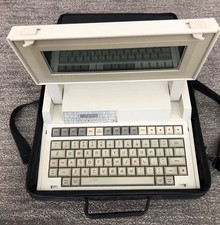
VINTAGE HEWLETT PACKARD HP 110 LAPTOP WITH CARRYING CASE
$350.00

Original Vintage Old Style STANDARD Black CD Jewel Case (Heavy Duty) 90g Lot
$316.95
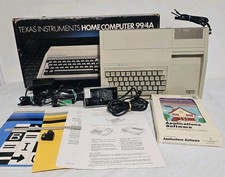
Vintage Texas Instruments Ti-99/4A Vintage Computer With Box And Game Tested
$109.99
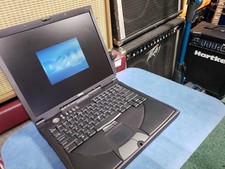
Dell Inspiron 8100 PP01X Windows XP Era Laptop for parts no HDD vintage READ
$89.95

Vintage Hewlett Packard HP 13181-60074 Circuit Card Assembly / Interface Board.
$135.37