

 Reply With Quote
The file he is talking about is /etc/fstab but the line should start with /dev/sda1.


I'm having the same problem, except I have no idea what you guys are talking about. I'm new to the whole linux thing, just using it to recover some important files off a friends machine. Someone referred to a doc with this information, where can I find that, and what are the first steps I can take to recognizing the drive?
Thanks,
Hamid.
The file he is talking about is /etc/fstab but the line should start with /dev/sda1.
Ok, so whats the first things i should type in console to detect/install the drive?
Sorry for this newb question, but its really important my friend gets these files.
There are three questions on the last page - so what means 'the same problem'?
First the optimistic test:
while /mnt/usb has to exist.Code:mount /dev/sda1 /mnt/usb
Test with
and create it withCode:ls -la /mnt
Code:mkdir /mnt/usb
 Posting Permissions

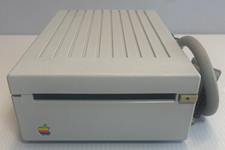
VINTAGE Apple 3.5 Drive External 3½" Floppy Drive DB-19 Beige | P/N A9M0106
$159.00
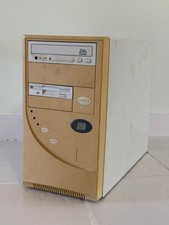
Vintage 90s PC Intel Pentium, cards, no HDD
$80.00
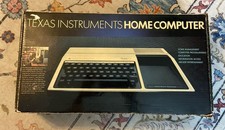
Texas Instruments TI-99/4A Vintage Home Computer Boxed MPN TI-99/4A
$170.00
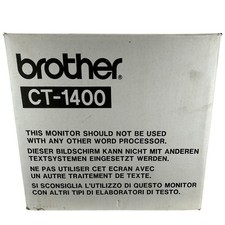
Brother CT-1400 Vintage CRT Word Processor Monitor New Open Box 1996 Tech
$249.99
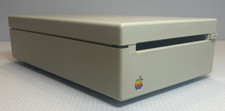
VINTAGE Apple 3.5 Drive External 3½" Floppy Drive DB-19 Beige | P/N A9M0106
$159.00
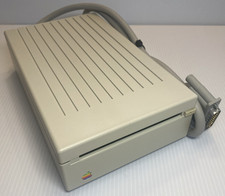
VINTAGE Apple 3.5 Drive External 3½" Floppy Drive DB-19 Beige | P/N A9M0106
$159.00
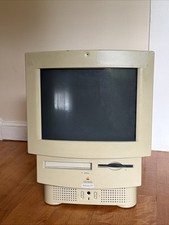
Vintage Apple Macintosh Performa 578 M1640 1994 Color No Power Parts/Repair
$399.99
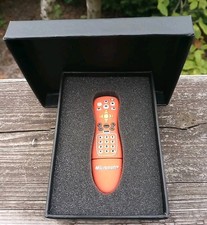
Vintage Microsoft Windows Media Center Rare Promo USB Flash Drive New
$99.99
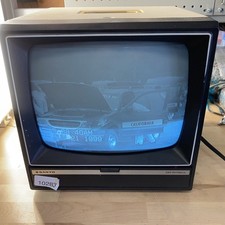
Sanyo DM 5012CM Solid State Data Display Monitor Working Vintage 1980s 80s
$169.99
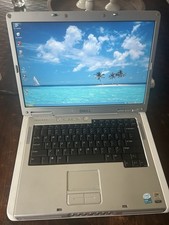
Dell Inspiron E1505 Vintage Laptop – Windows XP – Working
$50.00