

 Reply With Quote
Thanks to everyone who didn't respond, but luckily for me I fixed the problem.


Last night I was making some last minute changes to debian and I inadvertently selected the wrong mouse settings and now my mouse doesn't work. Is there any way to bring back up the wizard, gui, or whatever that walks you through setting up your mouse? Thanks in advance.
Thanks to everyone who didn't respond, but luckily for me I fixed the problem.
Sorry, I don't know the keystrokes to replace the mouse. How did you fix it?
Thanx,
no problem. Basically I just used the keyboard to open a terminal and then I typed synaptic (the apt-get gui). Through synaptic, I used the keyboard to remove gpm and rebooted. When the system came up everything worked well.
I would just like to point out that 34 minutes is a bit brief to expect a response...
 Posting Permissions


AMD Ryzen 5 5500 Processor ( read Description)
$59.00
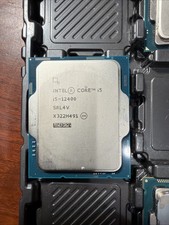
Intel Core i5-12400 Processor SRL4V
$115.00

INTEL CORE I9-10940X X-SERIES PROCESSOR | 3.30GHZ | SRGSH
$179.99

(LOT OF 20) Intel Core i5-8400 CPU 2.80GHz Desktop Processor (SR3QT)
$700.00

Intel Core i7-9700 Octa-Core 3 GHz Desktop Processor LGA 1151
$79.99

Intel Core i7-3770K 3.5 GHz Processor
$39.00

Intel Core i5-12500T SRL5W 2GHz 18MB 6 Core Socket LGA1700 Desktop CPU Processor
$114.99
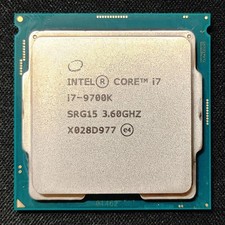
Intel Core i7-9700K Octa-Core 3.6 GHz Desktop CPU
$99.99
Intel Core i7-7700 3.6 GHz 8 GT/s LGA 1151 Desktop CPU Processor SR338
$39.99

Intel Core i7-4770 3.40GHz Quad Core SR149 LGA 1150 CPU Processor tested
$35.00