

 Reply With Quote
Type "xhost +" as regular user and then root (well all users, actually...) should be allowed to access the X display.


Xlib: connection to ":0.0" refused by server
Xlib: No protocol specified
emacs: Cannot connect to X server :0.0.
Check the DISPLAY environment variable or use `-d'.
Also use the `xhost' program to verify that it is set to permit
connections from your machine.

i can open the file as the regular user but to edit it i have to open it as a root.
Type "xhost +" as regular user and then root (well all users, actually...) should be allowed to access the X display.
Thanks a bunch..i will give it a try when i get back to home!
update : worked like a charm!
 Posting Permissions

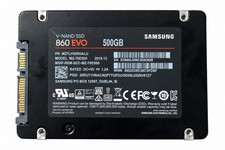
Samsung 860 EVO 500GB 2.5" SATA III SSD MZ-76E500 MZ7LH500HALU
$50.00

SSD 880EVO SATA III 2.5 4TB INTERNAL STATE DRIVE
$214.99

Kingston 128GB M.2 SATA III SSD
$13.00

Samsung 860 EVO 250GB SSD MZ-76E250 2.5" SATA III Solid State Drive
$39.99

2 PACK 128 GB SSD M.2 2280 SATA Solid State Drive Major Brands, Samsung, LiteON
$28.80

M.2 SATA SSD 2280 128GB 256GB 512GB major brands | Very Good health
$35.99

Netac 2TB 1TB 512GB 256GB Internal SSD 2.5inch SATAIII Solid State Drive lot
$549.00
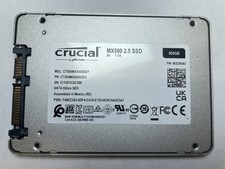
Crucial MX500 500GB 2.5" SATA III Internal SSD CT500MX500SSD1
$59.99

KingSpec SSD 2.5" SATA3 Internal Solid State Drive for PC,Laptop,Mac
$60.00

Samsung 860 EVO 250GB, SATA III, 2.5" Internal Solid State Drive - Black...
$30.00