

 Reply With Quote
Type "xhost +" as regular user and then root (well all users, actually...) should be allowed to access the X display.


Xlib: connection to ":0.0" refused by server
Xlib: No protocol specified
emacs: Cannot connect to X server :0.0.
Check the DISPLAY environment variable or use `-d'.
Also use the `xhost' program to verify that it is set to permit
connections from your machine.

i can open the file as the regular user but to edit it i have to open it as a root.
Type "xhost +" as regular user and then root (well all users, actually...) should be allowed to access the X display.
Thanks a bunch..i will give it a try when i get back to home!
update : worked like a charm!
 Posting Permissions

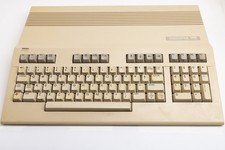
Vintage Commodore 128 Computer Powers On Not Tested with Power Supply
$169.99

Commodore VIC-20 Diagnostic Cartridge & Test Harness Set - USA seller
$39.99
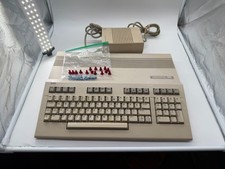
Commodore C128 Comp w/ Original Box TESTED & WORKING + Original & PETG Key Plung
$260.98

Commodore OS USB | Bootable LIVE + Install | The Ultimate Gaming Linux OS | NEW
$11.99
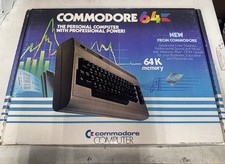
Commodore 64 Vintage Computer – Original Box – MATCHING SERIAL # – Untested
$199.00
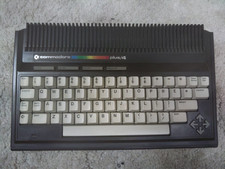
Commodore Plus/4 computer for parts or restore
$50.00
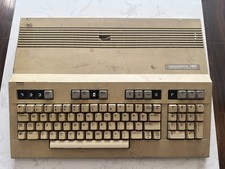
Commodore 128 Vintage Computer Not Working No Power Damage READ
$129.00
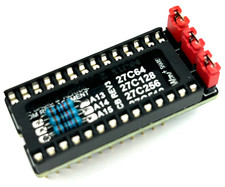
Commodore 64 & VIC-20 BASIC & Kernel ROM Replacement Adapter - USA seller
$17.99

Commodore 64 Dead Test & Diagnostic Cartridge & Test Harness Set - USA seller
$39.99

TeensyROM+ TR+ v0.4 Cartridge for C64/128 - w/ Case & 32GB SD Preloaded
$89.50