

 Reply With Quote
knoppix testcd as boot option.


When I installed Knoppix 3.3, I booted with screen = (my res) and then installed from the knoppix CD. Now, when I go to KDE Control Center, there is a large x over "display" where there should be a monitor icon. My screen looks great at 1024 x 768, but I am curios on how to restore the funtionality of this particular item. I basically boot from BootMagic, then lilo is installed to the linux partition, so I am not sure how to change the shell. I am a KDE user and can use the console as a SU if someone is specific on what I need to change or install. My card is an ATi radeon 7200.
Knoppix 3.6 would not hard install for some reason, but that is really easy to use with configuring my display.
knoppix testcd as boot option.
How would I go about adding a boot option? I assume this is necessary to be in root.
At the boot screen just type the options.Originally Posted by maestrobwh1
 Posting Permissions

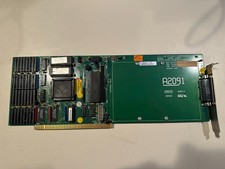
Commodore Amiga 2000 A2091 V4 SCSI Controller Card + RAM (no RAM installed)
$179.00

Commodore Amiga 500 Vintage Computer A500 No Power Supply
$249.95

Amiga 1000 Computer w/ Monitor Keyboard Mouse Disc Drive Sidecar Expansion Discs
$1175.00
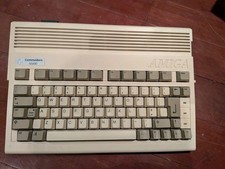
Commodore Amiga 600 Computer w/ PIStorm Framethrower Recapped, Caffeine OS NTSC
$799.99
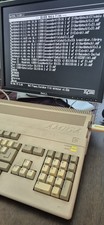
COMMODORE AMIGA 500 WITH GOTEK NTSC,NO PSU ,NO MOUSE ,NO MONITOR ,TESTED
$355.00
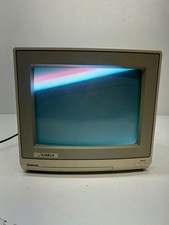
Vtg Amiga Computer Monitor Commodore 13" Screen W/ Power Cord Powers On As Is
$279.95
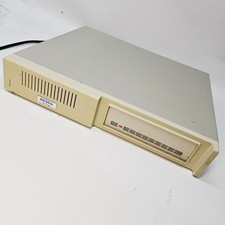
Vintage XETEC FASTRAK SH Series SCSI Hard Disk System FTCA Commodore Amiga 1
$298.99
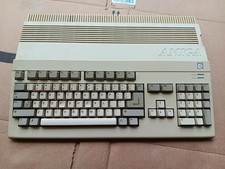
Vintage Commodore Amiga A500 Computer with Power Supply & Tank Mouse - Untested
$400.00

GVP 68030 33MHz Accelerator Amiga 2000 68882 4MB TESTED Manuals Software
$339.99
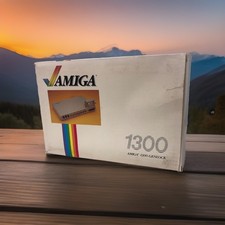
OPEN BOX - AMIGA Genlock Interface Vintage Video Adapter 1300- GREAT
$329.95