

i noticed when using the knoppix.sh script at boot time that i get alot of:
rm: Cannot remove `dirname`: Is a directory
errors...
so i took the 8th line in the knoppix.sh script which is...
and changed it to this...Code:tar -jpPtf "$CONFIGS" | while read i; do rm -f "$i"; done
basically changed the rm command to remove recurrsive...now i get no errors at boot and all the dir's along with the files are removed and rewritten by the script...Code:tar -jpPtf "$CONFIGS" | while read i; do rm -rf "$i"; done
I hope this helps some people out
 Posting Permissions


Vintage IBM ThinkPad 600X Type 2645 Laptop with accessories *Read Description*
$149.99

🔥 RARE VINTAGE HP 2112A 21MX M-SERIES 16-BIT MINICOMPUTER HP
$299.99

Vintage Computer Keyboard Northgate OMNIKEY Ultra
$120.00

Lot of 2 Vintage Plextor PX-43CS SCSI CD-ROM Caddy Drives + 4 Caddies Used
$55.99

Vintage Sealed Microsoft IntelliMouse Optical X05-34207 PS2 USB IntelliEye
$99.99

Original Vintage Old Style STANDARD Black CD Jewel Case (Heavy Duty) 90g Lot
$316.95
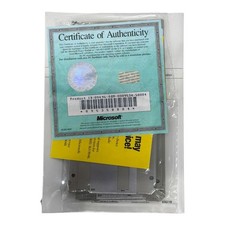
Vintage Microsoft MS-DOS Operating System 3.5 Floppy OEM COA Sealed User Guide
$49.99
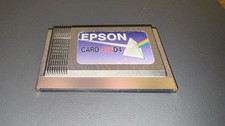
Epson Card 486D4 Single Board Computer Card PCMCIA Vintage Industrial
$906.39

Vintage Hewlett Packard HP 13181-60074 Circuit Card Assembly / Interface Board.
$135.37
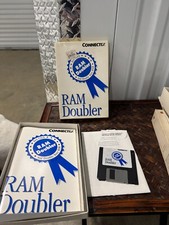
Connectix RAM Doubler Vintage Software White Blue Box
$31.49


 Reply With Quote