
Hi,
How do you delete files in Knoppix becasue whenever i try to delete files i get this error message "Could not delete file" Can anyone help me plz thx.


Hi,
How do you delete files in Knoppix becasue whenever i try to delete files i get this error message "Could not delete file" Can anyone help me plz thx.
Basically you delete with: rm filename , which is really rm -i filename as aliased in /etc/profile.
You also need permission on the file or you can do: sudo rm filename to invoke root permissions.
Also you need the partition to be read/write, easiest to right-click desktop icon and select: "Change read/write mode" or some such.
If you want to delete a directory with files in it do: rm -rf directory_name (be a bit careful with -rf)
1. Be root.
2. Use ' mc ' (Midnight Commander)
o "Insert" key tags multiple files; F8 key to delete them.
3. If you are trying to delete files from an NTFS partition, I believe you have to run the "captive" driver 1st.
Originally Posted by Accumet8000
 Posting Permissions


Intel i7-8700 Coffee Lake 3.2GHz 6-Core Max Turbo 4.6GHz Processor
$69.99
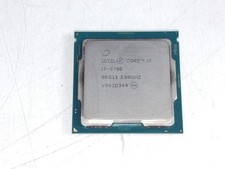
Intel Core i7-9700 3.00 GHz LGA 1151 Desktop CPU Processor SRG13
$79.99

Corsair RM750e 750W Fully Modular 80 Plus Gold ATX 3.1 PSU Certified Refurbished
$44.99
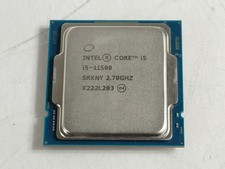
Intel Core i5-11500 2.70 GHz LGA 1200 Desktop CPU Processor SRKNY
$94.99
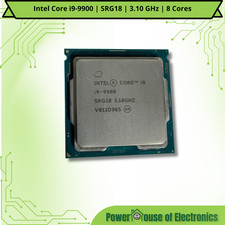
Intel Core i9-9900 | SRG18 | 3.10 GHz | 8 Cores | LOT OF 10
$1505.77

Intel Core i7-7700T 2.9GHz 8MB Socket LGA1151 Quad Core Processor SR339
$39.99

Intel SRG17 Core i7-9700T Desktop Processor CPU
$74.99
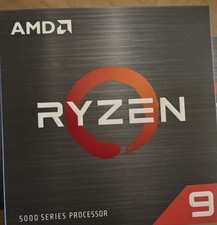
AMD Ryzen 9 5950X 16-Cores 8MB Up to 4.9GHz Desktop Processor 100-100000059WOF
$350.00
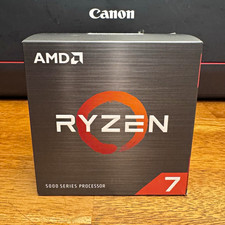
AMD Ryzen 7 5700X 8-Core 16-Thread 3.4GHz 36MB Cache AM4 926WOF
$177.00
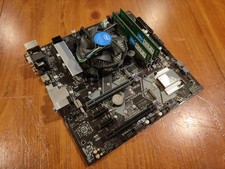
COMBO: ASUS Prime H370M-PLUS MOTHERBOARD + i5-9400F CPU /w Heatsink + 16GB DDR4
$169.95

 Reply With Quote