-
Hmm, some clarifications:
This part you should do as root:
At the top of /etc/X11/XFConfig-4 there's a following section:
Section "ServerLayout"
Identifier "XFree86 Configured"
Screen 0 "Screen0" 0 0
InputDevice "Keyboard0" "CoreKeyboard"
# PS/2 Mouse using /dev/input/mice in Kernel 2.6
# Serial Mouse not detected
# InputDevice "USB Mouse" "CorePointer"
InputDevice "PS/2 Mouse" "CorePointer" THIS is your mouse
EndSection
A bit further down you'll find the corresponding section to your mouse which I posted.
If you had "USB Mouse" at the top, that's what you want to modify.
This part you should do as user:
Open an editor and type the following lines:
echo '#!/bin/sh
xmodmap -e "pointer = 1 2 3 6 7 4 5"' >/tmp/x$$
chmod a+x /tmp/x$$
xterm -bg black -fg white -fn 9x15 -name "Pointer Remap" -e /tmp/x$$
rm -f /tmp/x$$
Save the file as /home/your_username/.kde/Autostart/some_filename.sh
Then do: chmod 700 /home/your_username/.kde/Autostart/some_filename.sh
Restart the xserver with Ctrl-Alt-Backspace to test it.
If you use something else than KDE you can add it to the end of ~/.xsession but put a echo '#!/bin/sh before the xmodmap line.
Similar Threads
-
By SunnyB in forum Hardware & Booting
Replies: 0
Last Post: 03-31-2004, 02:42 PM
-
By atlan in forum Hardware & Booting
Replies: 2
Last Post: 12-24-2003, 10:18 AM
-
By socalgail in forum Hdd Install / Debian / Apt
Replies: 7
Last Post: 08-25-2003, 01:34 AM
-
By hugowett in forum Hardware & Booting
Replies: 2
Last Post: 05-21-2003, 10:13 PM
-
By god in forum Hardware & Booting
Replies: 3
Last Post: 03-31-2003, 04:30 PM
 Posting Permissions
- You may not post new threads
- You may not post replies
- You may not post attachments
- You may not edit your posts
-
Forum Rules

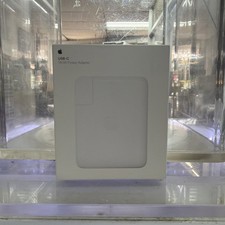
Apple 140W USB-C OEM Power Charger AC Adapter MLYU3AM/A A2452 - OB - Genuine
$40.00
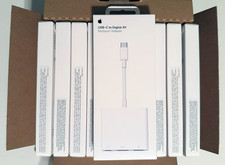
LOT OF (50) OEM APPLE USB-C To Digital AV Multiport MUF82AM/A A2119 - BRAND NEW
$1396.97
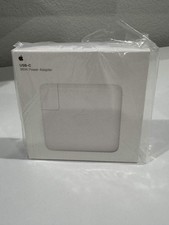
Apple 96W USB-C Power Adapter - White - Genuine OEM - NEW SEALED - MacBook Pro
$44.99

apple oem cube 5w charger
$6.99

OEM 45w T-Tip Power Adapter charger for Apple macbook air 2012-2017 A1436 A1466
$19.99

Genuine Apple OEM A2164 30W USB-C AC Power Adapter with USB-C Cable, Very Good
$20.59

OEM Apple 45W A1436 Power Charger AC Adapter for MacBook Air MagSafe 2
$12.99

Genuine OEM Apple 60W MagSafe Power Adapter A1344 ~ FREE S/H
$12.99
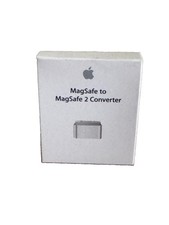
New Apple MagSafe to MagSafe 2 Converter - White (OEM | SEALED)
$12.95
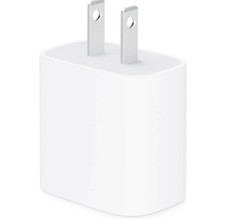
apple oem 20w charger usb-c power adapter
$9.99



 Reply With Quote