-
You can start in the Docs link above. There is a FAQ on HD install at http://www.knoppix.net/docs/index.php/FaqInstall .
You should be able to type knoppix-installer from a shell after kde starts up. I referenced /usr/sbin because that's where the script is located in case you wanted to 'look inside'. It sounds like that might be a little beyond your knowledge for now. Keep looking at docs and other posts in the HD Install forum.
Similar Threads
-
By Jakykong in forum MS Windows & New to Linux
Replies: 2
Last Post: 09-27-2005, 10:22 PM
-
Replies: 0
Last Post: 07-24-2005, 10:08 PM
-
By Mr.Redhat in forum Hdd Install / Debian / Apt
Replies: 1
Last Post: 01-11-2004, 02:46 PM
-
By bxb32001 in forum Hdd Install / Debian / Apt
Replies: 13
Last Post: 10-26-2003, 12:36 PM
-
By OverIP in forum Hdd Install / Debian / Apt
Replies: 1
Last Post: 08-22-2003, 10:15 PM
 Posting Permissions
- You may not post new threads
- You may not post replies
- You may not post attachments
- You may not edit your posts
-
Forum Rules


Vintage DEC Digital Equipment Flip-Chip Module Lot Parts
$59.99

Vintage DEC Digital Starion 200 Desktop PC Powers On Boots To BIOS NO HDD - DW
$299.99

DEC T2053-DE MS65A-DA 128MB VAX 6000 Memory Board Gold Scrap Vintage
$74.99

Vintage DEC VT100 Series Terminal (Powers On)
$499.99

6 Vintage DEC Digital System Building Blocks - Flip Chips
$145.00
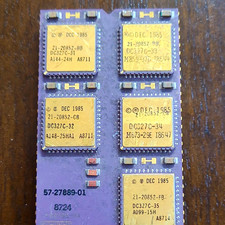
DEC Vintage Module/Board Collectable Vintage chip - 1 BROKEN LEG (BO)
$200.00
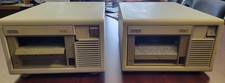
Vintage DEC (Digital Equipment Corp) TK-50 Tape Drive
$80.00

Vintage DEC Digital VR299-DA CRT Color Monitor for VAXstation 2000 Computer
$299.95

Vintage DEC/Mostek memory systems MK 8015 AA-00 6805-08015 1100 REV C(B7)
$279.99

Vintage DEC Digital M8153 RH70 UNIBUS CONTROL-BCT (B15)
$139.99



 Reply With Quote