
when its attached to the USB port and its in the system, then go to the properties of the drive via Windows Explorer-->RightClick on the drive--->Properties
and take a look if this option is available in the settings for the drive there...


when its attached to the USB port and its in the system, then go to the properties of the drive via Windows Explorer-->RightClick on the drive--->Properties
and take a look if this option is available in the settings for the drive there...
 Posting Permissions


Intel Core i7-9700 Octa-Core 3 GHz Desktop Processor LGA 1151
$79.99

Intel Core i5-12600 SRL5T 12th Gen Desktop Processor 3.30GHz LGA1700 CPU
$185.00
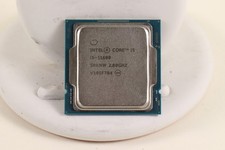
INTEL CORE I5-11600 2.80GHZ PROCESSOR | SRKNW
$109.99

INTEL CORE I7-870 SLBJG 2.93GHZ LGA1156 4 CORE CPU PROCESSOR
$23.00

AMD Ryzen 5 5600X Desktop Processor (3.7GHz, 6 Cores, AM4 CPU) 100-100000065
$135.00

Intel Core i9-9900 3.10GHz CPU Processor SRG18
$165.00
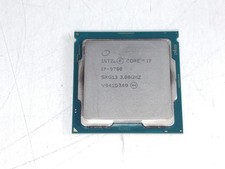
Intel Core i7-9700 3.00 GHz LGA 1151 Desktop CPU Processor SRG13
$79.99

Intel Core i5-7500 Processor (3.4 GHz, 4 Cores, LGA 1151) - SR335
$12.99
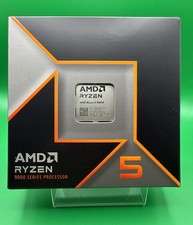
AMD Ryzen 5 9600X Processor (Zen 5) 6-Core 3.9GHz AM5 65W CPU 100-000001405 USED
$165.99

Lot of 2 INTEL CORE ULTRA 5 245 PROCESSOR | 3.50 GHZ | SRVFE
$256.99

 Reply With Quote