
when its attached to the USB port and its in the system, then go to the properties of the drive via Windows Explorer-->RightClick on the drive--->Properties
and take a look if this option is available in the settings for the drive there...


when its attached to the USB port and its in the system, then go to the properties of the drive via Windows Explorer-->RightClick on the drive--->Properties
and take a look if this option is available in the settings for the drive there...
 Posting Permissions

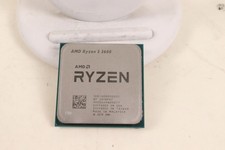
AMD RYZEN 5 3600 PROCESSOR | 3.60GHZ | 100-000000031
$59.99
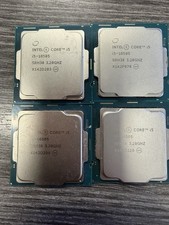
LOT OF 4 Intel Core i5-10505 6-Core 3.2GHz SRH38 CPU Processor
$349.95
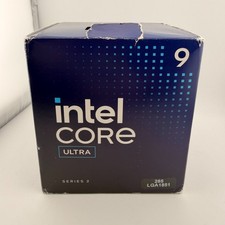
READ Intel Core Ultra 9 285 Processor LGA 1851
$449.99

Intel Core i7-8700K 3.70GHz 6-Core LGA1151 CPU Processor SR3QR
$70.00
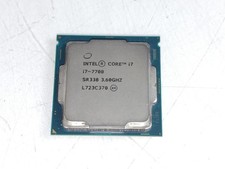
Intel Core i7-7700 3.6 GHz 8 GT/s LGA 1151 Desktop CPU Processor SR338
$39.99
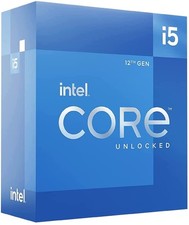
Intel Core i5-12600 3.30 GHz Processor CPU
$119.99

AMD Ryzen 5 5600X Desktop Processor (3.7GHz, 6 Cores, AM4 CPU) 100-100000065
$135.00
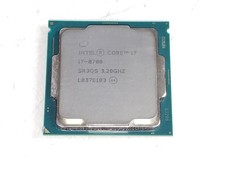
Intel Core i7-8700 3.2 GHz 8 GT/s LGA 1151 Desktop CPU Processor SR3QS
$67.99
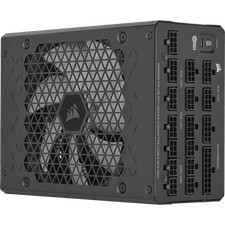
Corsair HX1500i 1500W 80+ Platinum Fully Modular ATX 3.1 PSU Certified Refurb
$207.99
Intel Core I7-3770 Processor (3.40GHz, 4 Cores, Socket H2 LGA-1155) - SR0PK
$40.00

 Reply With Quote