-
very confused....
ok i had a windows machine freak out and it wont boot and cant access files on the ahrd drive....so i put in the 3.6 knoppix cd and i can see my finles i need.....so i try to put the folders shared on the network....but it wont let me because it is not in my home directory.....but when i try ot move it there at around 520 megabites it says disck full (even though ita an 80 gig hard drive....uless its al jsut storing this in ram....i dknow kno) i jsut want to share them over a network so i can download them onto my otehr windows box.......(i know first problem is i am using windows as my main os) so is there a way to let me share them without needed the files/folders in my home directory.....its roughly 20 gigs of stuss i need ot move....or is there a better way of moving it from one comp to another?
-
Senior Member
registered user
-
ok i got to step 5 ok (Run Linneighborhood (under internet menu). In linneighborhood choose icon ADD and your w98 pc name (CHAN) and query. Your w98 pc will show up. Choose whatever folder you share that you want to transfer your data to, right click and mount. ) what is CHAN ? how do i know the windows xp pc will show up? what should the log say once i hit query? where do i choose whatever folder i want to share? (sorry about all these questions i am reletivly new to linux)
also i dont see Remote Share ater clicking the device icon in konquerer? but i never selected a folder, i did not get that option....thank you again for your help i really need those files. (sorry for the hassel)
-
Senior Member
registered user
do you have a CD burner? that should handle 520M just fine. K3B is the tool for that,
-
i do have a cd burner but i have manny manny gig's to move....and not enough cd's in 1 20 pack case to move them....
-
Senior Member
registered user
make it an ftpserver then,
http://www.knoppix.net/docs/index.php/FaqFTP
should work regardless of OS on computer...
-
can someone walk me through the setup of the ftp server in a graphical way as the command line way did not work and is not detailed enough for me (sorry about all this) every time i try to share them it can not be shared to to the files not being in the home directory and they wont let me coppy them there so ya....
-
YAY I got it to work thank u all soooooo much!!!!!!!!!!!
-
Senior Member
registered user
was it hard? what information did you miss? it might be good posting that here so it could be aded to the "howto"
Similar Threads
-
By roiddos in forum Hardware & Booting
Replies: 2
Last Post: 10-17-2005, 01:18 PM
-
By samhainbaphomet in forum General Support
Replies: 8
Last Post: 02-04-2005, 11:04 AM
-
By hogwash in forum MS Windows & New to Linux
Replies: 13
Last Post: 12-22-2004, 04:14 AM
-
By none1 in forum Hdd Install / Debian / Apt
Replies: 11
Last Post: 01-07-2004, 12:55 AM
-
By phoward in forum General Support
Replies: 3
Last Post: 03-31-2003, 07:46 PM
 Posting Permissions
- You may not post new threads
- You may not post replies
- You may not post attachments
- You may not edit your posts
-
Forum Rules

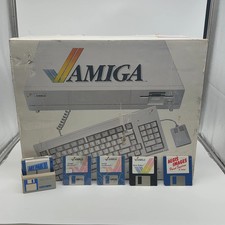
Commodore Amiga 1000 Personal Computer With Original Monitor and Speakers
$1352.99
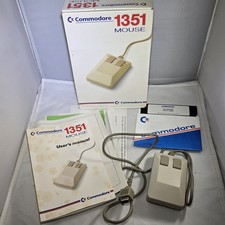
Commodore 1351 Mouse for Commodore 64/64C/128 w/ Box, Manuals, & Utility Disk
$199.99

Commodore VIC-20 Diagnostic Cartridge & Test Harness Set - USA seller
$39.99
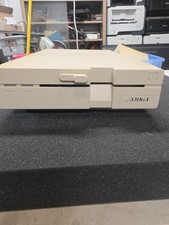
Commodore Amiga 1020 5.25" External Floppy Drive Not Tested Parts Only
$199.99
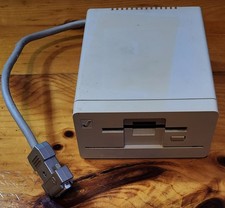
Commodore Amiga 1010 External 3.5” Floppy Drive A500 A1000 A2000 • Untested
$74.99
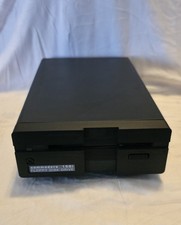
Commodore 1581 Floppy Disk Drive w/ Power Supply, Cable & Disks
$300.00
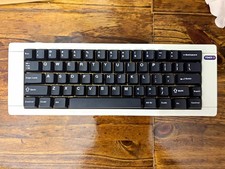
Hammerworks box60 Commodore 64 Mechanical Keyboard built
$77.77

Commodore 64 Serial Cable 6PIN DIN 1541 1571 C64 128 C128 Disk Drive Printer USA
$10.49
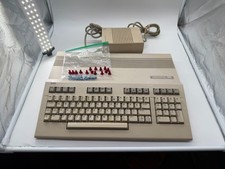
Commodore C128 Comp w/ Original Box TESTED & WORKING + Original & PETG Key Plung
$297.98

Commodore OS USB | Bootable LIVE + Install | The Ultimate Gaming Linux OS | NEW
$11.99



 Reply With Quote