-
Senior Member
registered user
How are you making the Desktop links?
I have just tried creating a link by the simplest possible method: Rt click on the desktop, select Createnew->File->Link to application, select 'application' type in name of executable (I just used 'kcontrol' as a test) & close. Icon is still the default gear but click it & up pops control center.
For mc you have to go to advanced options & select 'run in terminal'.
Mozilla worked also.
All of the links were owned by user knoppix.
Similar Threads
-
By zoukgirl in forum General Support
Replies: 1
Last Post: 10-28-2004, 01:01 AM
-
By irsirius in forum Customising & Remastering
Replies: 3
Last Post: 10-25-2004, 07:00 PM
-
By eric2 in forum General Support
Replies: 4
Last Post: 01-27-2004, 11:54 PM
-
By probono in forum Ideas
Replies: 0
Last Post: 04-19-2003, 08:38 PM
-
By garyng in forum General Support
Replies: 3
Last Post: 03-25-2003, 08:55 AM
 Posting Permissions
- You may not post new threads
- You may not post replies
- You may not post attachments
- You may not edit your posts
-
Forum Rules


Original Vintage Old Style STANDARD Black CD Jewel Case (Heavy Duty) 90g Lot
$316.95

Vintage NEC CDR-1410A 50 Pin SCSI CD-ROM Optical Drive Used
$39.99
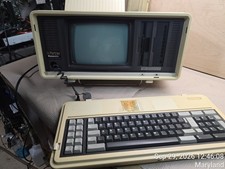
Vintage Panasonic Sr. Partner RL-H7000 Computer w/Service Manual & DOS Disks Cov
$275.00
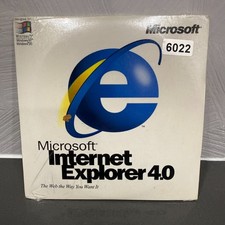
VINTAGE FACTORY SEALED MICROSOFT INTERNET EXPLORER 4.0 CD-ROM - NEW RARE BLUE CD
$34.99
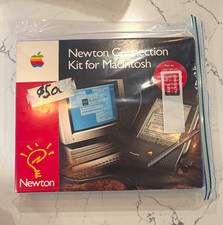
Vintage Apple Newton Connection Kit for Macintosh, Other Type
$125.00
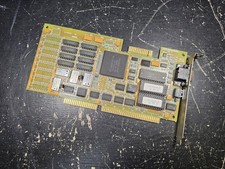
Vintage Paradise VGA Plus 16 ISA Video Card 1988 Western Digital PVGA1A TESTED
$89.99
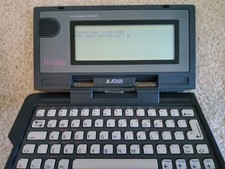
Vintage Atari Portfolio 16-Bit PC Palmtop Computer - Retro Computing
$96.00
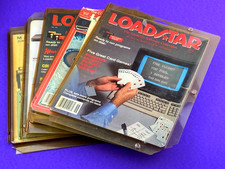
LOADSTAR Commodore 64 Disk Magazine Floppies Vintage Lot 2b
$49.99
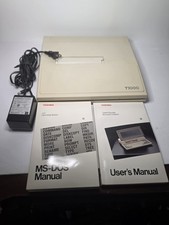
Toshiba T1000 Vintage Laptop PC, 1 power supplies, manuals, and original bag
$119.99
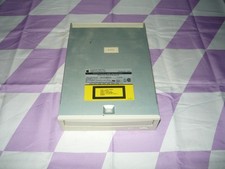
Vintage AppleCD 300i Plus CD-ROM Optical Drive SCSI 1993 Used
$47.99



 Reply With Quote