

 Reply With Quote
In Mozilla you can click on Edit>Preferences>Appearance>fonts and see if you can adjust the way the fonts appear from there.
You might also want to check out the mozilla user guides at: http://www.mozilla.org/docs/end-user/


I cannot find where to fix the fonts in my mozilla 1.7.3 . I know in Winbloz, you can check "smooth fonts" and it fixs the browser, however, after stabbing around a bit, I can not find how to do this. system fonts and the such are smooth and fine, just in mozilla do they appear raggedy. how do I fix this.
thanx
helios
In Mozilla you can click on Edit>Preferences>Appearance>fonts and see if you can adjust the way the fonts appear from there.
You might also want to check out the mozilla user guides at: http://www.mozilla.org/docs/end-user/
 Posting Permissions

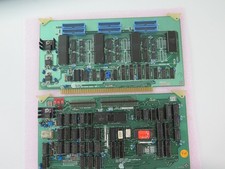
Vintage Rare California Computer Systems Boards for Altair IMSAI S-100 Systems
$245.00
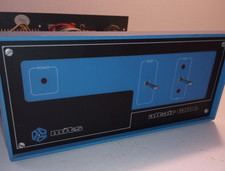
MITS ALTAIR 680b Turnkey Computer
$2390.00
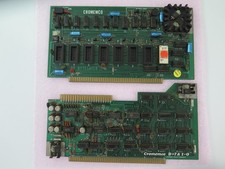
Vintage Rare Cromemco Boards for Altair IMSAI S-100 Systems
$225.00
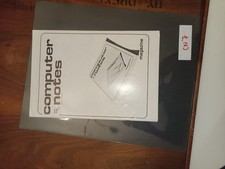
MITS Altair Computer Notes January/February 1977
$100.00
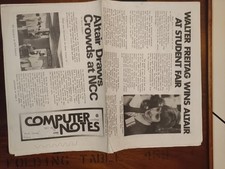
MITS Altair Computer Notes June 1976
$90.00

S-100 backplane motherboard bare PCB 9 slot (for Altair/IMSAI)
$34.99

S-100 Vector Graphic 64K Ram Board (Altair, IMSAI)
$99.95
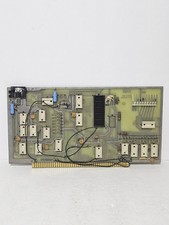
MITS 88 SIOB Serial-TT, An Single Serial I/O Port S-100Board For the Altair 8800
$189.95

CP/M 86 1.1R 8086 Highmonitor 8 Inch Floppy Diskette 80s IMSAI Altair
$29.99

Intel 4004 IBM Mark 1 UNIVAC Cray-1 Babbage ENIAC Apple 1 Steve Jobs MITS Altair
$46.00