

 Reply With Quote
Many BIOSs have a setting that will change the default for num lock. Have you checked yours to see if you can control it in the BIOS?


I'm using Kurumin 4Alpha2 (a Brazilian flavor of Knoppix).
I changed the option at kde to have the keyboard numlock on at startup but it only works at graphical interface. At text mode, nothing changed. Continue to have to tap the numlock key.
It's bad, because very often I forget to do it.
If anybody knows a magic formula to do it, please tell me.
Many BIOSs have a setting that will change the default for num lock. Have you checked yours to see if you can control it in the BIOS?
apt-get install numlockx
You may need to add numlockx on to the end of ~/.xsession or create a file ~/.profile and add it there.
 Posting Permissions


USB 3.0 Flash Drive 32GB 64GB 128GB Memory Stick Thumb Stick Lot Pack
$826.09

2 in 1 USB 3.0 Card Reader Micro TF card Reader usb adapter High Speed Cardreder
$3.99
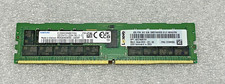
SAMSUNG 32GB PC4-25600R DDR4-3200 2RX4 RDIMM SERVER MEMORY M393A4K40EB3-CWE
$304.99

MICRON MTA36ASF4G72PZ-2G6E1 | 32GB PC4-2666V ECC RDIMM Server RAM
$184.95

Samsung 96GB LPCAMM2 PC5 9600 FE1 E1 LPDDR5X CAMM2 M561K6LC3CL1-CCV DDR5 Memory
$2150.00
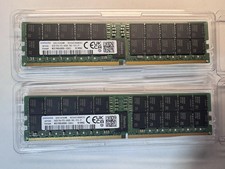
SAMSUNG 64GB 2RX4 PC5-38400 DDR5-4800 SERVER MEMORY (M321R8GA0BB0-CQKZJ)
$2249.00
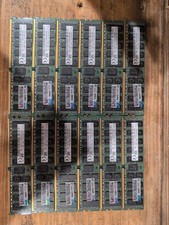
12x Hynix 16GB Pc4-2133p-ra0-11 ECC Server RAM DDR4
$900.00

Kingston 32GB 64GB 128GB 256GB USB 3.0 Flash Drive Thumb Memory Stick Pen lot
$285.90
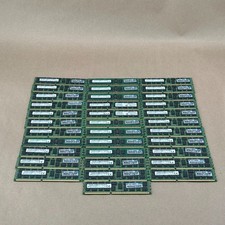
Lot of 34 Micron Crucial 8GB DDR3-1600 ECC REG Server RAM 272GB Mixed PC3 HP
$475.97

SMART(Micron)SafeStor 32GB(1X32GB) 1RX4 NN4-3200AA(DDR4) HPE Server Memory
$159.98