
Hallo!
I've heared you can use knoppix for booting an existing kernel on an hard disk.
I need the paramters for the boot prompt!
Does anybody know this functionality?
Thanks for some help!


Hallo!
I've heared you can use knoppix for booting an existing kernel on an hard disk.
I need the paramters for the boot prompt!
Does anybody know this functionality?
Thanks for some help!
most bootable linuxCD's caN do this,
when the line boot appears type knoppix root=/dev/whaterver
with whatever i mean that you type the disk and partition of your /, there is a 50% chance of this booting OK, if not you could still reach the partitions and edit needed files to get the system bootable again (like lilo.conf... and then run lilo)
to do this you boot knoppix like normal. then you use chroot (remount your disk RW first) then edit lilo.conf and run lilo.
Would it be something likeOriginally Posted by OErjan
linuz-2.6.6 root=/dev/hda1/boot
when you type knoppix your telling what kernel to use.
Thats what i'm looking for!
But it don't work!
I entered:
vmlinuz-2.6.6-1-686 root=/dev/hda5 or
/dev/hda5/boot/vmlinuz-2.6.6-1-686 root=/dev/hda5
but it doesn't work!
What is wrong? Knoppix says he couldn't find the kernel!
I don't think the isolinux boot loasder knoppix uses allows one to boot an arbitrary kernel off any filesystem type on the HD. It only knows about the two images you can see under boot/isolinux on your cd: linux24 & linux26.
Like Oerjan said, if you boot one of these kernels pointing it to an existing root FS on one of your HD partitons, it'll only work reliably if you are using the same kernel revision (otherwise, the modules and programs on the HD might not correspond to the CD kernel version).
Grub is a much more capable boot loader, which supports what you want, and more. You have a full command line available, and can explore the partitions and their contents because grub understands linux filesystems. Of course you can also boot other operating systems. Kanotix and mepis (amongst others I am sure) have switched to grub as a boot loader, which imho gives them (yet) another edge over knoppix as a rescue tool.
Having said that, from the knoppix boot prompt, either
linux24 root=/dev/hdaN
or
linux26 root=/dev/hdaN
should at least allow you to boot and see your HD install for most machines (say 1 IDE HD, not booting from SCSI/USB). If the CD kernel is too different from the HD one, you might then discover some things don't quite work as they should.
One possibility is using a grub boot floppy. You can crerate one from the knoppix cd, then boot from that with the full grub functionality.
A grub boot floppy is probably your best bet.
Just be sure to learn how to use it.
It's santax is a bit weird.
 Posting Permissions


Vintage Zak McKracken Alien Mindbenders Big Box Commodore 64/128 Insert UNTESTED
$165.00
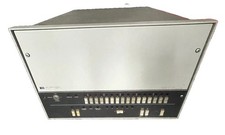
🔥 Vintage HP 21MX 1000 M-Series Minicomputer Chassis Backplane Parts AS-IS �
$216.30
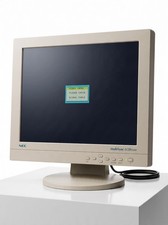
Vintage NEC MultiSync LCD1530V 15" VGA LCD 4:3 1024 x 768 Monitor Retro Gaming
$114.99
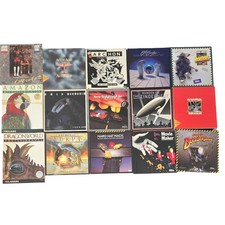
Vintage Commodore 64 C64 Box Game Boxes & Manuals Only Lot EA Accolade
$199.99
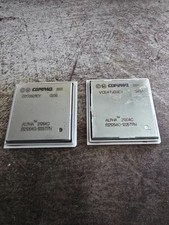
Lot of 2 Compaq Alpha 21264C B21264C-1225TPN Vintage DEC Alpha CPU 2001
$49.99
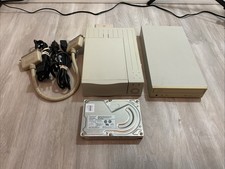
External CD-RW Drive Unit Vintage SCSI Lacie Qualcomm Hard Drive
$159.99
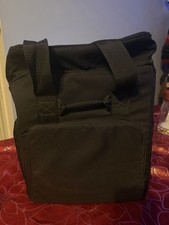
Vintage MacLuggage I/O Design Carrying Case Apple Macintosh Plus SE Classic Bag
$89.95

Vintage 1991 ZEOS User's Guides: Microsoft Windows 3.1 and MS-DOS 5.0 (no disks)
$30.00
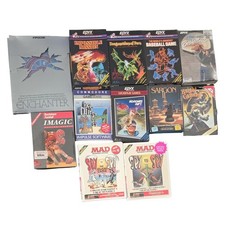
Vintage Commodore 64 Big Box Game Boxes Manuals Enchanter Dragon Riders Of Pern
$189.99
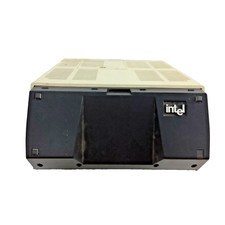
Vintage Intel iPDS-100 Personal Development System
$1499.99

 Reply With Quote