-
Senior Member
registered user
I've read that you had installed nvidia driver.
From your XF86config-4....it looks like your nvidia driver is not running(3d acceleration).
You need to edit one line so that nvidia driver can load and recognized:
# The following line is auto-generated by KNOPPIX mkxf86config
Driver "nv" ***Change to "nvidia"
VendorName "All"
BoardName "All"
# BusID "PCI:1:0:0"
EndSection
Save and reboot.........if you see Nvidia logo........means nvdia driver is running.

Similar Threads
-
By Legless_Marine in forum General Support
Replies: 0
Last Post: 10-05-2005, 04:13 AM
-
By killozap in forum Networking
Replies: 0
Last Post: 09-29-2005, 08:41 AM
-
By anthonyb in forum General Support
Replies: 2
Last Post: 07-05-2004, 12:59 PM
-
By bongski55 in forum Hdd Install / Debian / Apt
Replies: 6
Last Post: 09-06-2003, 05:58 AM
-
By athlonthunder in forum General Support
Replies: 0
Last Post: 04-03-2003, 08:15 PM
 Posting Permissions
- You may not post new threads
- You may not post replies
- You may not post attachments
- You may not edit your posts
-
Forum Rules

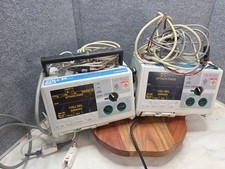
IBM PS/2 P70 8573-031 Vintage 386DX Portable Computer Parts Repair Orange Plasma
$950.00
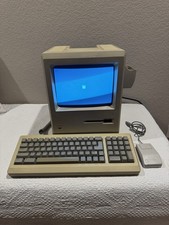
Apple Macintosh Plus 1Mb Vintage Desktop Computer w/ Keyboard & Mouse
$245.00

Vintage HP 21MX 1000 M-Series Minicomputer Chassis Backplane Parts AS-IS
$228.19
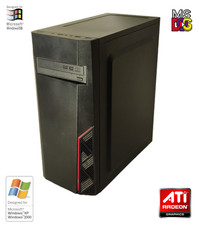
NEW* AMD Athlon 4850e 4GB ATI X1050 Win98 XP DOS Multiboot Retro PC w/ 50 Games
$389.00
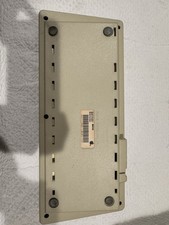
Vintage Apple Keyboard (MO110)
$61.30

Vintage Gray AC Power Cable Cord 3-Prong Plug to 3-Prong 3-Slot Connector
$50.00
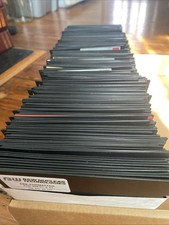
Vintage 1980s 1990s Lot of 175 Used PC Computer 5.25" Floppy Disks IBM
$175.00
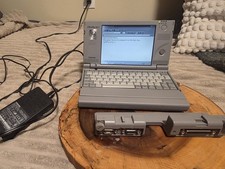
Vintage Toshiba Libretto 70CT Mini Notebook with Port Replicator and 32MB Memory
$320.00

Ast Advantage Adventure 4050D Vintage Retro Computer Great Condition
$199.99
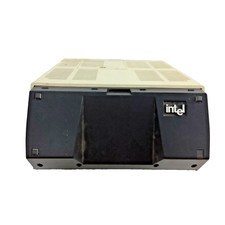
Vintage Intel iPDS-100 Personal Development System
$1499.99



 Reply With Quote