

 Reply With Quote
In windows xp device manager ,select view/show hidden devices, then uninstall the sound devices (all).
Then restart XP Pro, when the new hardware is discovered cancel. install the sound drivers from the ASUS disc instead.


I am troubleshooting a noisy Windows XP driver on an integrated sound chip on an ASUS A7VX-X motherboard. I have successfully loaded Knoppix 3.7 and it picked up the sound info but no sound plays. I know nothing about Linux but was hoping this CD based OS would help trouble shoot further a rather noisy sound (occurs turned up and whenever there is any hard disk activity, mouse movement, etc) under Windows XP Pro SP2.
Can someone help me test further?
thanks
In windows xp device manager ,select view/show hidden devices, then uninstall the sound devices (all).
Then restart XP Pro, when the new hardware is discovered cancel. install the sound drivers from the ASUS disc instead.
it's not in XP that I'm having a problem "identifying" the sound card. I want Knoppix to see it. I understand there's a particualr issue with Knoppix and this motherboard/soundchip (ASUS A7V8-X)
 Posting Permissions

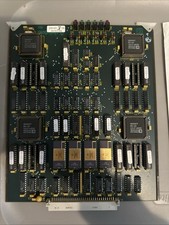
Vintage Datotek DCU Cryptography PCB 400-1176-001 Rev E Serial 0019 ADSP-2101
$399.99
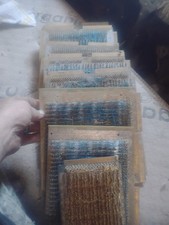
Title:Rare Vintage Magnetic Core Memory Board Plane – Retro Computing Collectibl
$2000.00
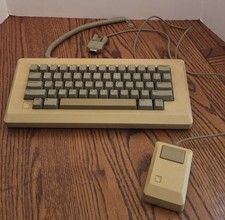
Vintage Apple Macintosh M0110 Keyboard with Coiled Cable & M0100 Mouse Bundle
$180.00

Apple Mac OS9 Cloth Banner Think Different 64 x 24 inches NEW ORIGINAL Vintage
$99.99
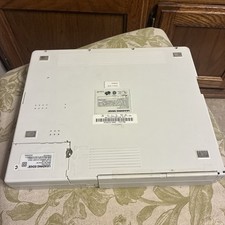
Vintage Leading Edge LEP-9183SX/20 Laptop White Portable (FOR PARTS- READ) #99
$130.00
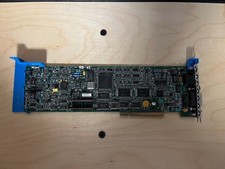
3Com 3C523B-TP EtherLink MC/TP MCA Ethernet Card Assy 6852 - Vintage PC hardware
$49.99
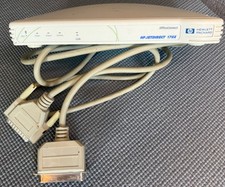
Vintage HP OfficeConnect Jetdirect 170X Print Server (J4102B) Parallel Port
$11.45
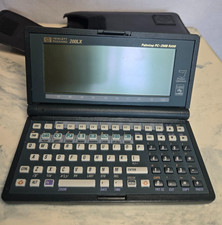
Vintage HP 200LX Palmtop PC 2MB RAM MS-DOS Works w/ Case LCD Screen Lines READ
$149.99
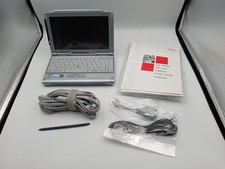
VINTAGE UMPC Fujitsu Lifebook P1120 8.9" Touchscreen Crusoe 800MHz - Windows XP
$349.95
Vintage Military Aircraft EMER SAS REL Switch Panel Guarded Engage Release Cockp
$150.00