-

Originally Posted by
bonkas
then I tryed "mount -o remount,rw /dev/hda1 /mnt/hda1"
and it said I must specify a filesystem
What FS is it? If ext3 try:
mount -t ext3 -o remount,rw /dev/hda1 /mnt/hda1
Could you post the output of: sudo fdisk -l
So I skipped to "umount /dev/hda1 /mnt/hda1"
And it said Not Mounted
I tryed "mount -o dev /dev/hda1 /mnt/hda1"
And it sayd Invalid option -o
Weird, I've never got that error.
I tryed "mcedit /mnt/hd??/etc/init.d/bootmisc.sh"
This command works and opens up a thingy to edit it but I go to save and i cannot save it.
I also notice the I cannot change the permissions of this file.. Howcome.. This may also be what I need to do to edit that file..
Possibly because it's mounted read only.
If your /etc/fstab is set up correctly when booted with liveCD and nodma cheatcode you could try just sudo mount -a to mount all partitions rw.
 Posting Permissions
- You may not post new threads
- You may not post replies
- You may not post attachments
- You may not edit your posts
-
Forum Rules

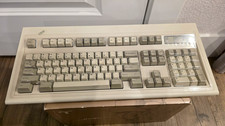
Vintage IBM Model M Keyboard
$80.00
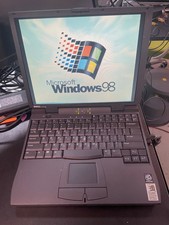
Vintage Dell Latitude CPi A366XT Win 98SE w/USB Support 256MB 60GB HD FDD Serial
$109.99
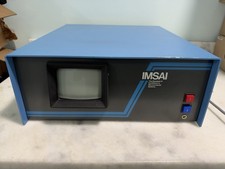
Vintage IMSAI S-100 Computer CRT System w/ Boards Nonworking Parts/Repair
$2699.00
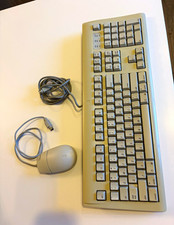
Vintage AppleDesign Keyboard M2980 & Mouse II M2706 ADB Cable Bundle Mac
$69.99

Tektronix Vintage Full-Size QWERTY Keyboard with Numeric Keypad 119-1989-001
$79.99

Vintage Shuttle K48 Small Form Factor Pc FOR PARTS OR REPAIR
$100.00
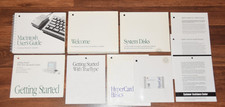
Lot Vintage 1991 Apple Microsoft Classic Software Disk Manual User Guide 7.0.1 +
$74.95
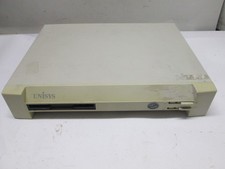
VINTAGE UNISYS Computer RARE 486 DBA Desktop Retro PC Intel Pentium 1995 USA
$95.00
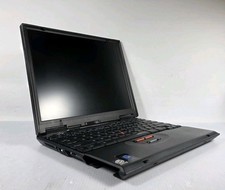
VINTAGE IBM ThinkPad 570 Type 2644 13" Laptop Intel Pentium READ
$122.18
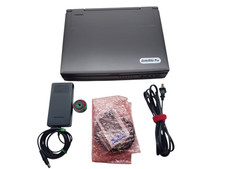
Toshiba Satellite Pro 400CDT Vintage Laptop Computer Retro Windows PC Parts Only
$125.00



 Reply With Quote