

 Reply With Quote
the partimage website said there would be an eror is the hardrive was not defraged, but you don't seem to get one.


I am using Knoppix 3.4 to save and restore my Windows XP partition (NTFS) with partimage. After doing this several times without any problems, there is suddenly the problem that after entering all parameters and starting, partimage does not start saving the partition, but displays "0%" for minutes. What can be the reason? "cat /proc/partitions" displays all partitions correctly. I also can save a VFAT partition without problems. I think that too much file fragmentation can not be the problem, because according to the partimage homepage, in this case an error message should occur. The partition to save is 15GB NTFS with about 5GB data and the image should be saved to a large VFAT partition on the same 160GB drive. I chose splitting of image to files of the size 2GB and last time I created this way successfully an image consisting of 2 files smaller than this limit. Unfortunately I don’t know much about Linux.
The only thing that has changed after the last successful image creation is an update of the following 2 BIOS components:
ASUS A7V600 ACPI 1006 - to version 1008
Serial ATA RAID BIOS Setting Utility 2.01 - to version 2.31
Can this be a problem for Knoppix 3.4 or partimage? Is it a good idea to try a newer Knoppix version? After rebooting Windows XP I see a file created by partimage at the correct path but with size zero.
the partimage website said there would be an eror is the hardrive was not defraged, but you don't seem to get one.
That's true. I dont see a corresponding message.
In the meantime I tried a freshly downloaded Knoppix 3.7 with partimage 0.6.4 (instead of 0.6.2 as before): Now partimage exits to the bash prompt and I see an error message saying memory access error (the original german message is "Speicherzugriffsfehler"). So far I remember, partimage diplays usually a window with the main properties of the partition to be save before starting action. But obviously the error occurs before this window is displayed. What can I do?
Thanx for any hint!
--
Wolfgang Beyer
www.wolfgangbeyer.de
You may want to try, nodma as a cheatcode.
It will be very slow but might work.
 Posting Permissions

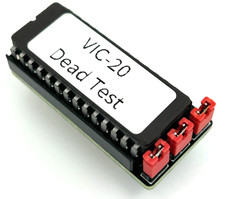
Commodore VIC-20 Dead Test Rom - USA seller
$19.99
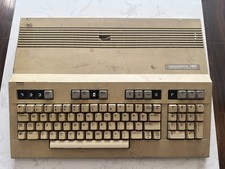
Commodore 128 Vintage Computer Not Working No Power Damage READ
$129.00
Commodore 16 C16 Computer Matching Serial Box Tutor Cartridge Tested Workong
$174.99
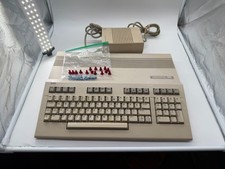
Commodore C128 Comp w/ Original Box TESTED & WORKING + Original & PETG Key Plung
$297.98
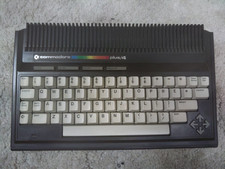
Commodore Plus/4 computer for parts or restore
$50.00
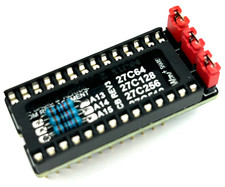
Commodore 64 & VIC-20 BASIC & Kernel ROM Replacement Adapter - USA seller
$17.99
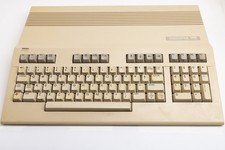
Vintage Commodore 128 Computer Powers On Not Tested with Power Supply
$169.99

Commodore 64 Serial Cable 6PIN DIN 1541 1571 C64 128 C128 Disk Drive Printer USA
$10.49

Commodore OS USB | Bootable LIVE + Install | The Ultimate Gaming Linux OS | NEW
$11.99

Commodore 64 Dead Test & Diagnostic Cartridge & Test Harness Set - USA seller
$39.99