

 Reply With Quote
You can either do: sudo chmod 0 /usr/bin/mkdesktophdicons
or edit /etc/X11/Xsession.d/45xsession.knx and comment out with an # the lines that say mkdesktophdicons
(check the filename as I use Kanotix)


hello all.
this problem is really annoying to me: setting up some desktop icons in kde is no problem to me, but after every reboot, i think this is related to some knoppix-startup-scripts, my desktop is full with icons for all my partions on my 3 hdds.
how can i get them stay away also after reboot?! just deleting them helps nothing.
thank you all,
best regards,
apo
You can either do: sudo chmod 0 /usr/bin/mkdesktophdicons
or edit /etc/X11/Xsession.d/45xsession.knx and comment out with an # the lines that say mkdesktophdicons
(check the filename as I use Kanotix)
thx! "chmod 0 /usr/bin/mkdesktophdicons" worked!
 Posting Permissions


Atari Home Computer Software/Books/Manuals/Magazines Lot - Read desc for details
$95.00
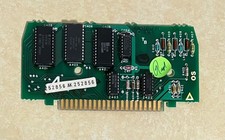
Atari 800 Computer CX801 10K ROM Personality Module CX801 - Works Perfectly
$23.95
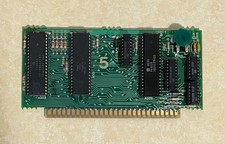
Atari 400/800 Computer CPU PCB Module Board with NTSC GTIA - Works Perfectly
$42.95

GreaseWeazle v4 board USB floppy drive adapter Retro All Formats
$35.00

Fujinet 1.7.1 Atari 400 800 800XL 130XE 65XE XEGS Assembled, Tested, Working
$99.99
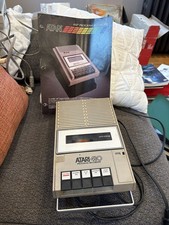
Atari 410 Program Recorder repair w manual sheet/ adapter cord
$23.99

A8PicoCart Multicart for Atari 800xl /65xe / 130xe / XEGS
$16.95
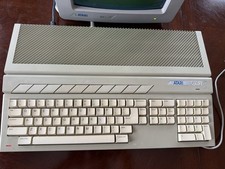
Atari 1040ST Vintage Home Computer System w/ Monitor and Mouse
$800.00

DEFECTIVE Atari 810 Vintage Computer Disk Drive powers on Unit Only Boo G3D
$49.29

Atari 130 XE/Atari 1050 Bundle W/ Cords And Extras (Powered On)
$300.00