

 Reply With Quote
You can either do: sudo chmod 0 /usr/bin/mkdesktophdicons
or edit /etc/X11/Xsession.d/45xsession.knx and comment out with an # the lines that say mkdesktophdicons
(check the filename as I use Kanotix)


hello all.
this problem is really annoying to me: setting up some desktop icons in kde is no problem to me, but after every reboot, i think this is related to some knoppix-startup-scripts, my desktop is full with icons for all my partions on my 3 hdds.
how can i get them stay away also after reboot?! just deleting them helps nothing.
thank you all,
best regards,
apo
You can either do: sudo chmod 0 /usr/bin/mkdesktophdicons
or edit /etc/X11/Xsession.d/45xsession.knx and comment out with an # the lines that say mkdesktophdicons
(check the filename as I use Kanotix)
thx! "chmod 0 /usr/bin/mkdesktophdicons" worked!
 Posting Permissions


Netac DDR4 32GB 16GB DDR4 3200MHz UDIMM C16 Desktop Internal Memory RAM Kit
$99.99

16GB KIT (2x8GB) DDR4 Gamer Desktop RAM PC4 MIXED BRANDS
$65.00
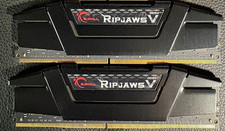
RAM G. SKILL Ripjaws V Series 32GB 2x16GB DDR4 3200 CL16 F43200C16Q64GVK Matched
$149.99

Kingston 16GB DDR4 3200MHz PC4-3200AA-SA2-12 Laptop RAM SODIMM (HP32D4S2S8ME-16)
$64.99

A-Tech 8GB DDR3 1600 PC3-12800 Laptop SODIMM 204-Pin Memory RAM PC3L DDR3L 1x 8G
$21.68
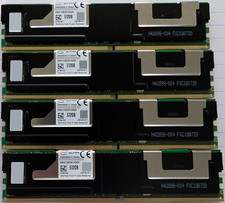
Lot 4x Intel Optane 512GB DCPMM NMA1XBD512GQS DDR4 2666 Persistent Memory 2TB
$1249.00
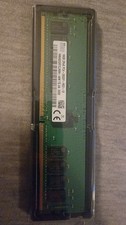
32GB DDR4 RAM (2x16GB) ECC PC4-2933Y SK hynix 2Rx8
$159.50
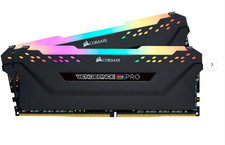
8GB KIT (2x4GB) DDR4 Gamer Desktop UDIMM RAM PC4 MIXED BRANDS
$35.00
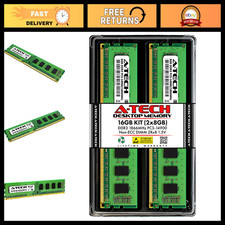
16GB DDR3 RAM Kit (2x8GB) 1866MHz PC3-14900 UDIMM Non-ECC 240-Pin Memory Upgrade
$121.99
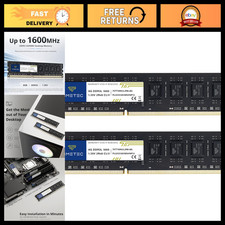
16GB DDR3L 1600MHz RAM Upgrade Kit (2x8GB) Non-ECC Unbuffered 240-Pin UDIMM
$75.99