-
Senior Member
registered user
have you specifically tried
knoppix tohd=/dev/hda1
at the boot prompt. Then the next time you boot Knoppix enter
knoppix fromhd=/dev/hda1
Then you can take the CD out of the drive and knoppix will continue to load from the /dev/hda1 image.
This should then allow the CD drive to be used to burn a new .iso
Similar Threads
-
By tmarr04 in forum General Support
Replies: 5
Last Post: 07-16-2005, 07:47 PM
-
By pLanetZ in forum General Support
Replies: 2
Last Post: 07-21-2004, 04:36 PM
-
By sn0wflake in forum General Support
Replies: 5
Last Post: 03-31-2004, 10:01 PM
-
By InsaneLampshade in forum General Support
Replies: 1
Last Post: 09-01-2003, 09:36 PM
-
By FelixDzerzhinsky in forum Hdd Install / Debian / Apt
Replies: 1
Last Post: 08-12-2003, 09:15 PM
 Posting Permissions
- You may not post new threads
- You may not post replies
- You may not post attachments
- You may not edit your posts
-
Forum Rules

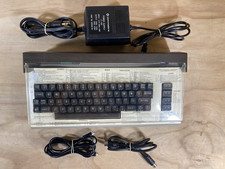
Commodore 64 Vintage Home Computer Without Box/No turn ON/FOR PARTS
$99.99

Commodore OS USB | Bootable LIVE + Install | The Ultimate Gaming Linux OS | NEW
$11.99

Pi1541 Zero with Epyx Fastload Hat, Case & 16gb SD for Commodore 64 and 128
$84.99
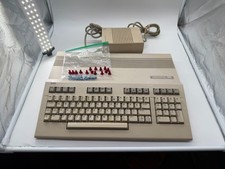
Commodore C128 Comp w/ Original Box TESTED & WORKING + Original & PETG Key Plung
$260.98
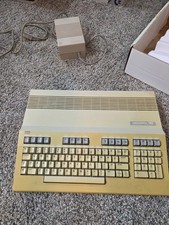
Commodore 128 Personal Computer Powers On w/ Power Supply in Original Box
$145.00
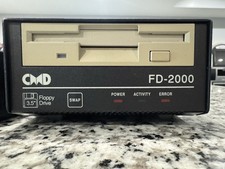
CMD FD-2000 Floppy Disk Drive For Commodore 64/128 - Original And Works Great
$600.00
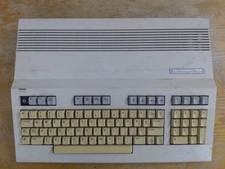
Commodore 128 Case + Keyboard + LED, C128 Computer Parts
$42.50
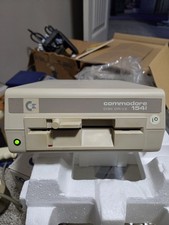
Commodore 1541C Floppy Disk Drive Untested Powers On Original Box
$58.00
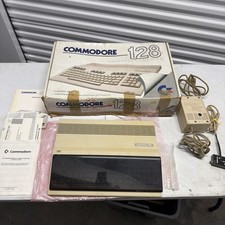
Commodore 128 In Box Untested system guide and Power Cable
$195.49

Commodore 64 Dead Test & Diagnostic Cartridge & Test Harness Set - USA seller
$39.99



 Reply With Quote