

 Reply With Quote
Look at ~/.supertux/config
;; either "opengl" or "sdl"
(video "sdl")


Beaing the type of person that has to flick every switch and tinker with everything I've gotten myself stuck
While playing Supertux I desicded to enable OpenGL and then the game went blank.
I re-opened it and still a blank screen.
I apt-get remove supertux then re-installed and still a blank screen...
Does anyone know if their is something sticking around even after removal thats remebering this setting or some other reason it won't go back to deafults?
Thanks!
-Jameson
Look at ~/.supertux/config
;; either "opengl" or "sdl"
(video "sdl")
 Posting Permissions


Intel SRG17 Core i7-9700T Desktop Processor CPU
$74.99
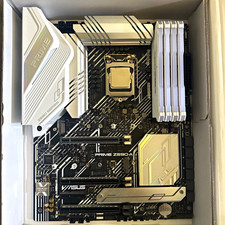
CPU-RAM-MOBO COMBO- 32gb DDR4 3600MHz, i5 CPU, Asus Prime Motherboard
$370.00
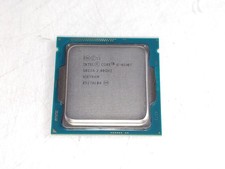
Intel Core i5-4590T 2 GHz 5 GT/s LGA 1150 Desktop CPU Processor SR1S6
$14.99

GAMING COMBO: ASUS Prime H470M-PLUS MOTHERBOARD + i5-10600KF CPU + 16GB DDR4
$229.95

Intel Core i7-3770K 3.5 GHz Processor
$39.00
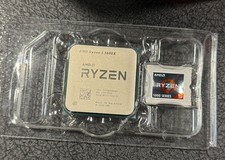
AMD Ryzen 5 5600X Desktop Processor (3.7GHz, 6 Cores, AM4 CPU) 100-100000065
$125.00

Intel Core i7-9700 Octa-Core 3 GHz Desktop Processor LGA 1151
$79.99

Intel Core i5-14600KF Unlocked Desktop Processor
$259.99

PS5 Over Heating Problem Solver 1.5 Grams Liquid metal thermal paste CPU, GPU
$15.99
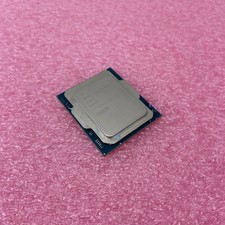
Intel Core Ultra 5 235T SRQES Desktop CPU
$109.99