

 Reply With Quote
'ctrl-alt-esc' will kill apps that are not responding. Then cursor changes to a skull & crossbones , click on the problem window to shut it down.


(I've running Knoppix 3.7 (I believe) from my hard driver)
I've been having some troubles recently with Firefox just freezing on me while loading various sites. While this is troublesome, KDE can kill the app but things aren't all fine on this little Linux machine of mine. The following process continues to run:
Now, maybe this process should always be there and I'm just worrying about nothing. But whether it's a process for good or evil, I should still be able to kill it.apessos 2264 2174 15 07:09 ? 00:01:58 /usr/lib/mozilla-firefox/firefox-bin -a firefox
I change to root, and issue one of the deadly commands known to processes, kill -9 2264. Yet, tough guy over here just won't listen. I try -SIGKILL, -KILL and everything under the sun, but 2264 turns a deaf ear to me.
I've been rebooting to solve this problem, however, I am curious if there's another method I could utilize to end 2264 region on my machine?
apessos
'ctrl-alt-esc' will kill apps that are not responding. Then cursor changes to a skull & crossbones , click on the problem window to shut it down.
When I press Ctrl-Alt-Delete in KDE I just get taken to a window with a couple buttons, "End Current Session", "Turn Off Computer", "Restart Computer" and "Cancel". I don't see that skull and crossbones anywhere.
Firefox continuously crashes now. I've removed most of the extensions I had loaded, and once I reboot the machine I'll uninstall the rest of them. KDE recognizes that Firefox is not responding and offers to kill it for me. All this does is create a zombie process which becomes annoying because it locks up my default profile and won't let me start Firefox until I create a new profile. (And I lose all my wonderful bookmarks and all that jazz.) Each time Firefox crashes, another profile becomes locked up.
Looking into how to stop this from happening. I'm getting tired of rebooting my machine. ^^
Gotta read a bit more closely. He said "Ctrl+Alt+ Esc not Del

i just use xkill. just clicked my desktop with the skull now its disapeared....
Don't know if you know this trick, but it's handy after trying everything under the sun, open a terminal window and type:It's amazingly useful when trying to kill multithreaded apps. Try it with any app by name as long as you put pidof in front of it. I almost never have to look up the process id just to find the app that I want to kill.Code:kill `pidof mozilla-firefox`
HTH,
Durand
 Posting Permissions

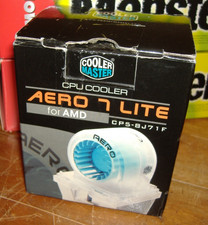
COOLER MASTER AERO 7 LITE CPU HEATSINK SOCKET A 370 462 VINTAGE NEW AMD INTEL
$89.95
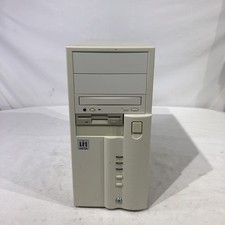
Vintage computer AMD K6-2 300 MHz 96 MB ram No HDD/No OS
$79.99

7 Vintage Microsoft Software CDs Lot Windows XP Home 2000 95 Works PC
$35.98
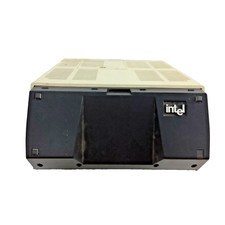
Vintage Intel iPDS-100 Personal Development System
$1499.99
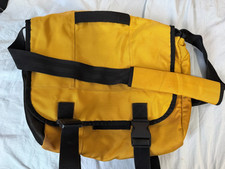
Vintage GAP 90s Y2K Messenger Crossbody Bag Weekender Laptop Yellow Nylon
$39.99

Original Vintage Old Style STANDARD Black CD Jewel Case (Heavy Duty) 90g Lot
$316.95
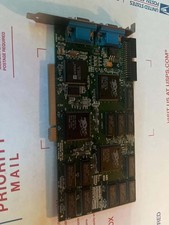
Retro Vintage PCI Video Card Creative Labs CT6670 3Dfx Voodoo2 8MB Tested Works
$220.00

Huge 58 Disc Vintage Computer Software CD Lot Drivers 90s Retro As-Is Carry Case
$42.98
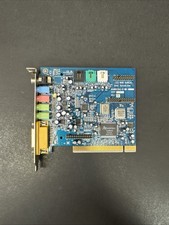
Aureal Vortex 2 SQ2500 AU8830 PCI Sound Card Vintage Untested Parts Repair
$167.00
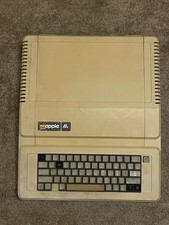
Vintage Apple IIe Computer Model A2S2064 Main Unit - For Parts / Repair - AS IS
$99.00