

 Reply With Quote
While Knoppix is Debian-based I think this should work: 'dpkg-reconfigure locale' but I don't guarantee for it. If it does you get the option to select your preffered locale settings.


After doing a HD install some of the menus and error messages are still in German. I have changed the region and language to english but still have the german text at times. Anyone have a solution for this problem? thanks
While Knoppix is Debian-based I think this should work: 'dpkg-reconfigure locale' but I don't guarantee for it. If it does you get the option to select your preffered locale settings.
That didn't work but apt-get install localepurge did the trick.
edit /etc/lilo.conf; add 'lang=us' to the 'append=' line then re-run lilo. This is equivalent to booting with the lang=us cheatcode.
 Posting Permissions


USB 3.0 Flash Drive 32GB 64GB 128GB Memory Stick Thumb Stick Lot Pack
$826.09

Microsoft Windows 11 Pro 64bit - New Sealed – Flash USB 1 PC
$49.99

Zero Trace Pen: All-in-one Tor Network Anonymous Drive + Cryptocurrency Wallet
$147.00

1/ 10/ 100pcs USB 2.0 2GB, 4GB ,8GB ,16GB ,32GB ,64GB 128GB USB Flash Drives Lot
$269.10

Kingston 32GB 64GB 128GB 256GB USB 3.0 Flash Drive Thumb Memory Stick Pen lot
$285.90

USB Type-A Flash Drive Metal Memory Stick High Speed USB Drive 128GB 256GB 512GB
$8.27

LOT 10x SanDisk 32GB ULTRA USB 3.0 flash drive SDCZ48-032G 32 GB read 100 MB/s
$39.80
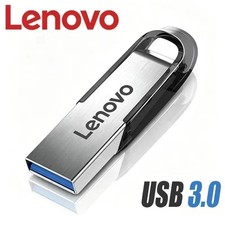
USB Type-A Flash Drive Metal Memory Stick High Speed USB Drive 128GB 256GB 512GB
$7.99

TESLA OEM Model S,3,X,Y USB Flash Drive for Dashcam 128GB READ DESCRIPTION BELOW
$22.00
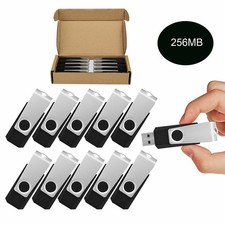
Wholesale Sale 10/ 30/ 50/100pcs 256MB Metal Swivel USB Flash Drive Memory Stick
$165.90