

 Reply With Quote
AFAIK, the only way to edit /etc/sudoers is with
visudo -f /etc/sudoers


Frustrated with not being able to use sudo to get stuff done? Well, don't worry, here is how to get that power back, without re-installing!
1. Log in as root
2. open kwrite or kate
3. open /etc/sudoers (or sudoer or something like that, I cannot remember right now)
4. copy+paste the root entry, then change username to your username.
5. Enjoy using sudo once again!
AFAIK, the only way to edit /etc/sudoers is with
visudo -f /etc/sudoers
Visudo isn't the only way to edit but it does check the syntax for errors and locks the file while you edit which is nonimportant on a single user desktop. If you want an easier editor than vim you can do: EDITOR=mcedit visudo , or change the default editor with: update-alternatives --config editor . After that just run visudo and mcedit will be used.
For some examples have a look at: man sudoers
 Posting Permissions


AMD Ryzen 5 5500 Processor ( read Description)
$59.00

INTEL CORE I9-10940X X-SERIES PROCESSOR | 3.30GHZ | SRGSH
$179.99

Intel Core i7-4770 3.40GHz Quad Core SR149 LGA 1150 CPU Processor tested
$35.00
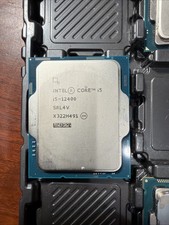
Intel Core i5-12400 Processor SRL4V
$115.00

Intel Core i7-9700 Octa-Core 3 GHz Desktop Processor LGA 1151
$79.99

Intel Core i7-3770K 3.5 GHz Processor
$39.00

Intel Core i5-12500T SRL5W 2GHz 18MB 6 Core Socket LGA1700 Desktop CPU Processor
$114.99

Intel i7-8700 Coffee Lake 3.2GHz 6-Core Max Turbo 4.6GHz Processor
$67.99
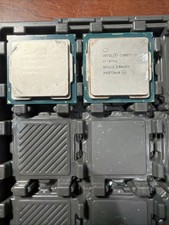
Intel Core i7-9700 3.0 GHz Octo-Core (SRG13) Processor
$150.00
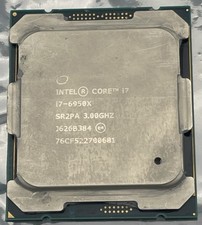
Intel Core i7-6950X Extreme Edition 3.0GHz Processor SR2PA LGA2011 10 Core CPU
$162.95