

 Reply With Quote
you could try partimage, that will give the option of auto splitting


Hi everyone - I am new to Linux . . . here is what I am trying to do. I need to image a 17 Gig hard drive that is FAT32 (has Windows ME on it). I am using the PSK version of Knoppix to do the imaging. My target drive is a FAT32 formatted hard disk that is partitioned several times - All FAT32. I am using the following command:
dcfldd if=/dev/hda1 of=/mnt/hdb1/image.dd conv=noerror,sync hashwindow=0 hashlog= hash.txt
This stops after 2 Gigs of copying due to the FAT32 file size limit being exceeded. How do I get around this? If I am imaging a FAT32 drive, does the drive I am copying to also need to be FAT32 file system (as opposed to linux file system, or some other file system that supports image files of 20 Gigs or more)? Is it even possible with any filesystem to create a 17 Gig image file?
Also, for you forensic experts, what is the advantage of imaging a drive over just cloning it? In other words, why would I want to create an image as opposed to a bit-for-bit copy of one drive to another? All of the forensic material I have refers to image files rather than a cloned copy of the hard disk. Why is that?
Also, when imaging a drive, is it better to image it partition by partition or to just image the entire drive into one image file - all partitions included?
Thanks so much in advance.
Brian
you could try partimage, that will give the option of auto splitting
eh? the filesizelimit is 4G NOT 2g.
there is something wrong here.
you could use a ext2/3 filesystem and store the entire image there, there is NO need for the image of a fat32 to be on a fat32 disk.
Yes, but I've also met a 2 gig barrier for FAT32Originally Posted by OErjan
if it is the mount bin that messes up that must be if you have not given fat=32 in the mount option, i think it is older versions of dd that has the limitation, should be fixed by now.
 Posting Permissions

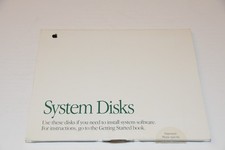
'91 Vintage Apple Macintosh Mac System 6 Disks 914-0363-B Software Tools 7.0.1
$29.95
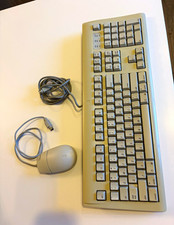
Vintage AppleDesign Keyboard M2980 & Mouse II M2706 ADB Cable Bundle Mac
$69.99

Vintage 1998 iMac G3 M4984 Mac OS + Keyboard Working but Needs Some Repair Read
$295.00
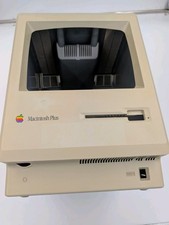
Apple Macintosh Plus Vintage Mac Computer Shell Front/Back Only (260200)
$29.99

185--Sonnet Crescendo G3 PPCG3-375-5-K-06 G3 Add-On Card for Vintage Mac
$90.00
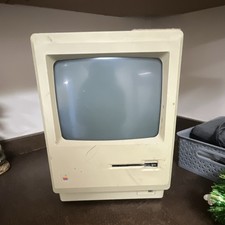
Apple Macintosh 512K Vintage Compact Desktop Computer Classic Mac
$197.00
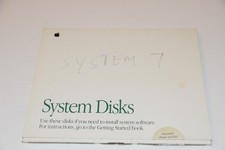
'91 Vintage Apple Macintosh Mac System 7 Disks 914-0363-B Software Install 7.0.1
$29.95
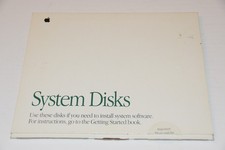
1991 Vintage Apple Macintosh Mac System Disks 914-0363-B Software tidbits 7.0.1
$24.95
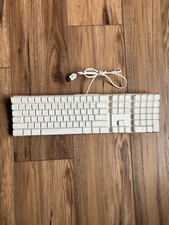
Vintage Apple Mac A1048 White Wired Full Size Keyboard w/ 2 USB Ports TESTED
$22.89

Apple Macintosh DuoDock Duo Dock M7779 & Powerbook 230 Vintage Mac RARE Vintage
$224.10