


 Reply With Quote
my experience is that most USB burners work right out of box (i have two)


Gee I hope I'm not off topic because I'm posting about a piece of hardware that DOES work.
I successfully installed the USB Mad Dog 7-in-1 Dual Layer external DVD.
Knoppix did not install it automatically. I had to do that by hand.
But it works just fine!
sakiZ
my experience is that most USB burners work right out of box (i have two)
Go Knoppix!
sakiZ
For the sake of others wo actually read through these forums looking for answers, you might want to post what you did to set this up "by hand".Originally Posted by sakiZ
Ok.
Knoppix did sense the presence of the new drive. But it did not update the fstab file -- although it did insert a line reading "usbdevfs" in fstab. Curious.
I could open K3B settings and see that it the drive was being recognized as
/dev/scd2
as I already had two other CDRom devices installed internally. I could insert a music CD and K3B would correctly identify it. That was a relief.
But I could not see the drive in the file manager.
All I had to do at that point was create a mount directory and update fstab so that the drive could be mounted. Thus:
/mnt/usbdevfs
Then update fstab with a line:
/dev/scd2 /mnt/usbdevfs (then copying and inserting here the parameters from the other CDrom devices.
Sorry I'm at work as I write this. So I can't open the fstab file to complete the line with all the noauto, rw, etc.
sakiZ
It occurred to me that I might someday have to access my Mad Dog 7-in-1 dual layer external USB drive via the live CD, not through my Knoppix HD install. What would happen?
So, I dug out my live CDs. First up to bat was Kannotix. I believe it is the latest release. It uses the 2.6.9 kernel version.
I thought with it's reputation of being great at finding hardware it would have the best chance of seeing the drive. NOPE!!! Struck out. Wow. Big shock.
Next up to bat was Knoppix 3.6. using the 2.4 kernel. Bingo!!! Found it. Interesting that I had to hand tweak the fstab to access this drive in my HD install, but not via the live CD. Hmm.
FYI
sakiZ
 Posting Permissions


Samsung SCXSTP000, SCX-STP000 (Swingline Staple Cartridge - 3 Refills)
$57.99
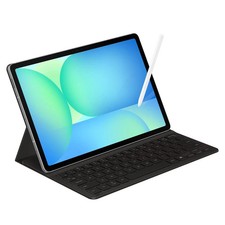
Samsung Galaxy S10 10.9" FE 128GB WiFi Tablet SM-X520NZACXAR S-Pen Keyboard 2025
$299.99

Samsung Galaxy View Tablet 18.4 SM-T670/677A Digitizer 100% Original Oem
$152.99

Samsung Galaxy Tab Active 3/ 64 gig/WIFI
$85.00
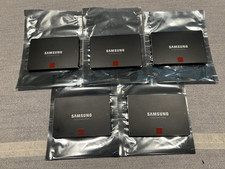
Samsung 850 Pro Series 2TB 2.5inch SATA3 6Gbp Internal SSD MZ-7KE2T0 5 Available
$189.00

Kids Case for Samsung Galaxy Tab A9+/A9 plus 11 Inch 2023 Case, with Strap, Shoc
$27.99

Samsung JC95-01514A Cover-Side Roller T2 Compatible
$39.00

Samsung JC93-01078A Transfer Roller T2
$89.00
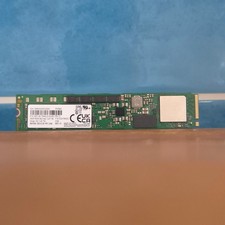
Samsung MZ1LB1T9HALS PM983 1.92TB M.2 22110 PCIe 3.0 NVMe SSD (430 EUR 0% VAT)
$601.98
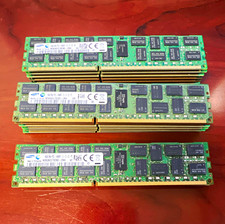
Lot of 15 Samsung (16GB 2Rx4) DDR3 PC3L-14900R ECC Reg RDIMM M393B2G70DB0
$209.99