

 Reply With Quote
You didn't burn the iso properly. You also may not have checked the md5 sum or burn it at a slow speed. See the downloading faq found from the documentation link at the top of this page for details.Originally Posted by topdawgnate


I've just decieded to give linux a wirl, so I went and burned a iso of knoppix. When I boot up though, all it does is bring me to a dos-like screen (DR-DOS to be specific). I know there is suppose to be a GUI interface, so where is the OS file located on the disk, and how do I have it boot into the GUI interface?
NateDawg
You didn't burn the iso properly. You also may not have checked the md5 sum or burn it at a slow speed. See the downloading faq found from the documentation link at the top of this page for details.
Thanks for the help. I was making it to complicated. I just need to burn the image. I didn't need to make it a bootable cd. Thanks again.
NateDawg
 Posting Permissions

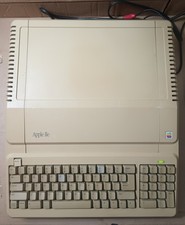
Vintage Apple IIe Platinum A2S2128 128K Computer Tested Working
$225.00
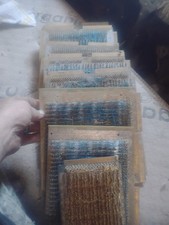
Title:Rare Vintage Magnetic Core Memory Board Plane – Retro Computing Collectibl
$2000.00
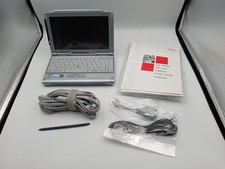
VINTAGE UMPC Fujitsu Lifebook P1120 8.9" Touchscreen Crusoe 800MHz - Windows XP
$349.95

Vintage eMate 300 Computer System Rare Kids Laptop Newton Operating System
$349.99
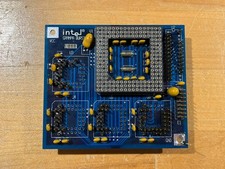
Intel GRAMPA BURST 168-pin 486 CPU Interposer/Testing Adapter Board Vintage
$289.99

Microsoft Cinemania 95 CD-ROM Windows Vintage PC Software Roger Ebert Maltin
$29.99

Vintage 2010 VIA WM 8650 7 inch Android 2.2 Mini Tablet pc (MID) collectible/pts
$25.00

Vintage 5.25" (5 1/4) diskettes (16 diskettes in total) + RARE Boeing software
$80.00

Apple Mac OS9 Cloth Banner Think Different 64 x 24 inches NEW ORIGINAL Vintage
$99.99
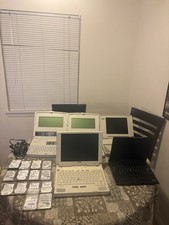
Vintage Laptop Lot With IDE Laptop Drives Lot Of 5 Laptops
$300.00