

 Reply With Quote
Prepend your PATH variable with that directory in your .bashrc file.


I am using Knoppix 3.8.1 and it is bundled with Java 1.4.2. I do not know how to uninstall Java 1.4 and since I need the new features of Java 1.5, I decided to install Java 1.5 over it (some of you may think its not a very good idea).
Now, when I run a java -version at the command prompt, it still says 1.4.2. So I explicitly exported the PATH of my new Java 1.5
"export PATH=/home/java1_5/bin"
After that "java -version" replies with 1.5, which is correct. However when I restart the shell, the PATH seems to be reset to its original state and won't recognize my Java 1.5!
Please help!
Prepend your PATH variable with that directory in your .bashrc file.
Redo your symlink in /usr/bin to point to your copy of the java.
 Posting Permissions


Macintosh Platinum Mouse - Apple 128K 512K 512Ke Mac Plus Lisa IIe M0100 - NEW
$49.99
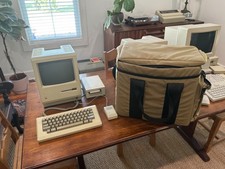
Apple Macintosh 512K 1MB MacSnap SCSI 128K ROM 800K + 400K Drive Keyboard Mouse
$995.00
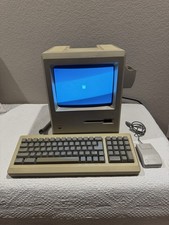
Apple Macintosh 128k 1984 upgraded to Plus includes keyboard mouse
$450.00

1984 APPLE MACINTOSH 128K MATCHING # BOX Set Original Mac Model M0001 WORKS RARE
$6299.00
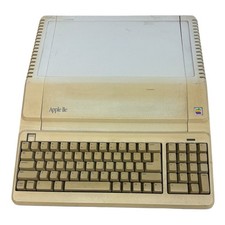
Apple IIe Platinum 128k Computer A2S2128 (Powers On)
$250.00
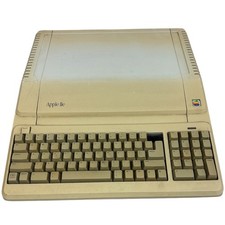
Apple IIe Platinum 128k Computer A2S2128 ~ Powers On
$250.00
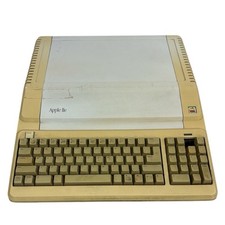
Vintage Apple IIe Platinum 128k Computer A2S2128 ~ Powers On
$250.00
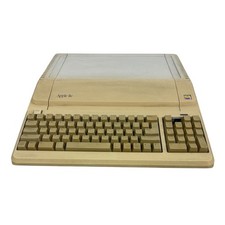
Apple IIe Platinum 128k Computer A2S2128 ~ (Powers On)
$250.00

EARLY 1984 Apple Macintosh 128K Original ROM SET Dated 1983 TESTED Very RARE
$179.99

VINTAGE Apple Mac OS X Computer Monitor
$250.00