-
I will try to answer a few.
1. Go to K > KNOPPIX > Root Shell. Then type knx-hdinstall and follow the easy instructions. If you are currently using windows with only one partition you will have to find a way of resizing your partitions, hdinstall can't do that yet.
2. I don't use it and can't help you.
3. Your in luck. The very latest release of Knoppix has support for your sound card. At the Boot: prompt type knoppix alsa.
4. see 5
5. su means super user. In a hard drive install of Knoppix or most other Linux distros you can use this to act like root even when you are loged in as a normal user. Because Knoppix has no passwords on CD you have two ways around this. In a regular shell, ever time you want to do something as root type sudo and then the rest of the command all on one line. A better way is to go to k > KNOPPIX > Root Shell. Then you can do anything without a password.
6. I haven't use WINE enough to help you here.
Similar Threads
-
By kn2user in forum General Support
Replies: 3
Last Post: 11-23-2004, 08:30 PM
-
By ZeroKun in forum Hdd Install / Debian / Apt
Replies: 0
Last Post: 05-01-2004, 10:05 AM
-
By paf in forum Hdd Install / Debian / Apt
Replies: 4
Last Post: 12-19-2003, 11:22 AM
-
By madserb in forum General Support
Replies: 1
Last Post: 08-24-2003, 07:25 AM
-
By Henk Poley in forum Hdd Install / Debian / Apt
Replies: 1
Last Post: 08-11-2003, 01:27 PM
 Posting Permissions
- You may not post new threads
- You may not post replies
- You may not post attachments
- You may not edit your posts
-
Forum Rules


Genuine IBM ThinkPad Trackpoint Tip Cap Pack 91P8421 NEW OLD STOCK -SEALED - OEM
$8.88
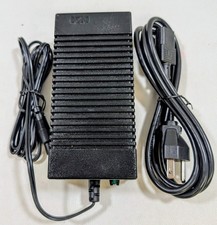
Vintage IBM 5140 PC Convertible Power Supply AC Adapter Charger 2684292 OEM
$39.99
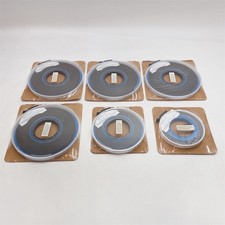
IBM 5763-SS1 R02M00 AS/400 Cumulative PTFS Operating System/400 V3 LOT 6 OEM New
$999.99
2025 NEW Genuine OEM BATTERY for IBM 00Y4643 00Y4594 90Y7689 90Y7632 V3700 V3500
$119.00

IBM OEM Genuine 1969-009 CD Driver Untested As PARTS. Read Description.
$32.99
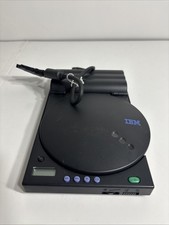
IBM OEM Genuine 1969-010 CD Driver Untested
$40.49
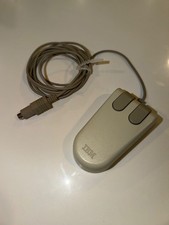
IBM 6450350 OEM PS/2 2-Button Ball Mouse NEW NOS Made in Japan
$19.99
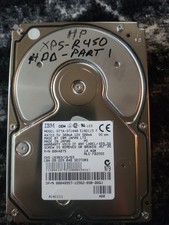
IBM OEM Model DTTA-371440 14.4 GB 12V 500 A
$70.00
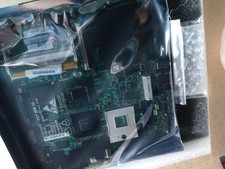
NEW IBM Lenovo T61 14in 4;3 NOT WIDE motherboard T601F FRANKENPAD 44C3924 OEM
$299.95
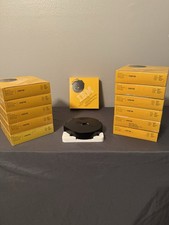
Lot of 12 Genuine IBM 1299790 Quietwriter Non-Correcting Ribbons Indelible NOS
$129.99



 Reply With Quote