

 Reply With Quote
Can you right click on the icon > actions > (something like) make read/write? (This from memory).


I just purchased a Lexar 256mb Secure Jump Drive and want to boot a computer off Knoppix 3.8.1 CD and copy file onto usb drive. When I connect the usb drive I see a new icon on the desktop and can view the contents of the usb drive but can't save any files to it. I tried saving a text file I created as well as copying NTFS partition to the usb drive but can't write to usb drive. I am a newbie to Linux/Knoppix so any help would be appreciated.
Can you right click on the icon > actions > (something like) make read/write? (This from memory).
I tried that but it seemed as if I might be changing the properties of the desktop shortcut not the drive itself. I need some command line instructions to test the drive and then to get more info as to why I can't write to it.
 Posting Permissions

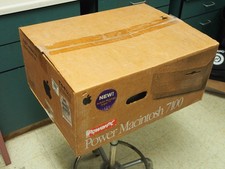
Vintage Power Macintosh 7100 w/ box - Untested
$250.00
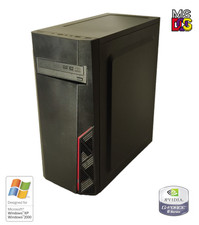
NEW* AMD Athlon 64 X2 4850e 4GB WinXP + DOS Custom Retro Gaming PC & 50+ Games
$295.00
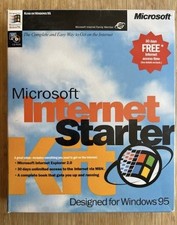
Vintage Microsoft Internet Starter Kit, IE 2.0, Windows 95.
$85.00
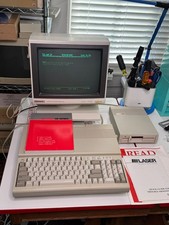
Vintage Laser 128 Apple IIc/IIe Compatible Computer + FD-100C Drive WORKING
$449.00
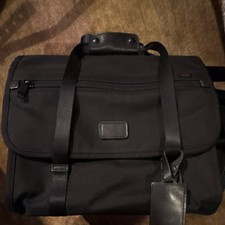
Vintage TUMI Black Nylon Camera/Luggage Bag
$100.00
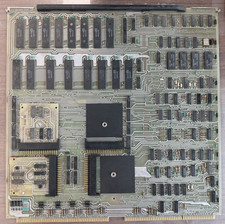
Vintage Data General ALM-16 Multiplexer 107-000-465 Nova/Eclipse Era
$199.99
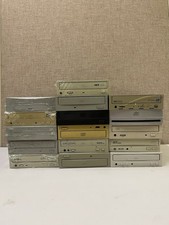
Vintage 90s/00s Internal PC Optical Drive Bulk Lot x16 CD-ROM DVD IDE PATA
$165.00
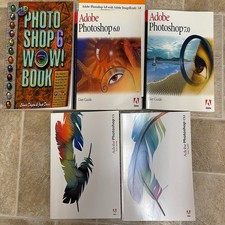
Vintage Adobe Photoshop Software Lot - 5.5 6.0 7.0 CS CS2 Guides & Discs
$249.00
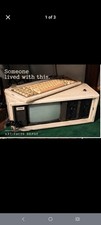
COMPAQ Plus Vintage Personal Portable Desktop Computer - Powers-On
$250.00
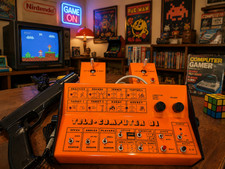
PONG 🌈RaRe🌈 Vintage Tele Games Retro Video Game TV Console Computer
$1699.00