-
Junior Member
registered user
Help !
my screen was set to 800x600 so i su kxconfig and went to change the screen size to 1024x768 and set virtual desktop to that same size...... now when i start knoppix i cant see anything..... i have tried doing kxconfig and reset it there but i cant even see what is written.... the only thing i can see is terminal when i open it
-
Senior Member
registered user
Re: Help !
Boot Knoppix off the CD with the correct options/cheat codes (screen=1024x768 vga=whatever) and then copy the resulting /etc/X11R6/XF86Config-4 file to your HD. You might have to set the refresh rate to 60 based on your monitor's capabilities.

Originally Posted by
empro
my screen was set to 800x600 so i su kxconfig and went to change the screen size to 1024x768 and set virtual desktop to that same size...... now when i start knoppix i cant see anything..... i have tried doing kxconfig and reset it there but i cant even see what is written.... the only thing i can see is terminal when i open it
 Posting Permissions
- You may not post new threads
- You may not post replies
- You may not post attachments
- You may not edit your posts
-
Forum Rules


Vintage Apple II Avant-Garde Creations Super Shape Draw And Animate 1981
$295.00

Apple Macintosh Classic M1420 Vintage Desktop Computer Model Macintosh Classic
$100.00

Vintage Apple Macintosh Plus Desktop Computer - M0001A
$150.00
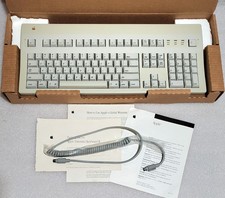
Apple Extended Keyboard II Vintage Keyboard with Original Box & Cable
$110.00

LARGE LOT Vintage Apple Macintosh Mouse Cables Accessories SCSI etc - UNTESTED
$80.00
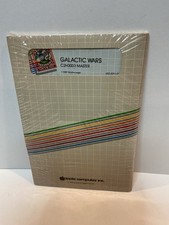
Vintage Apple II Arcade Game Galactic Wars Apple Computer NOS Sealed
$125.00

Lot of 3 VIntage Apple Computer Rainbow Logo Sticker Decal Macintosh 1980s NOS
$7.00

Vintage Apple Rainbow Metal Case Emblem Logo rectangle
$49.99
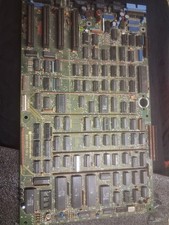
Vintage Apple III Motherboard Logic Board 820-0043-00 E Fully Populated Tested
$210.00

Vintage Apple Multiple Scan 15av Display Monitor M4681
$299.99



 Reply With Quote